
How to Share Highlights
Open the Highlight you want to share. In the timeline at the bottom of the player click 'Share highlight'.
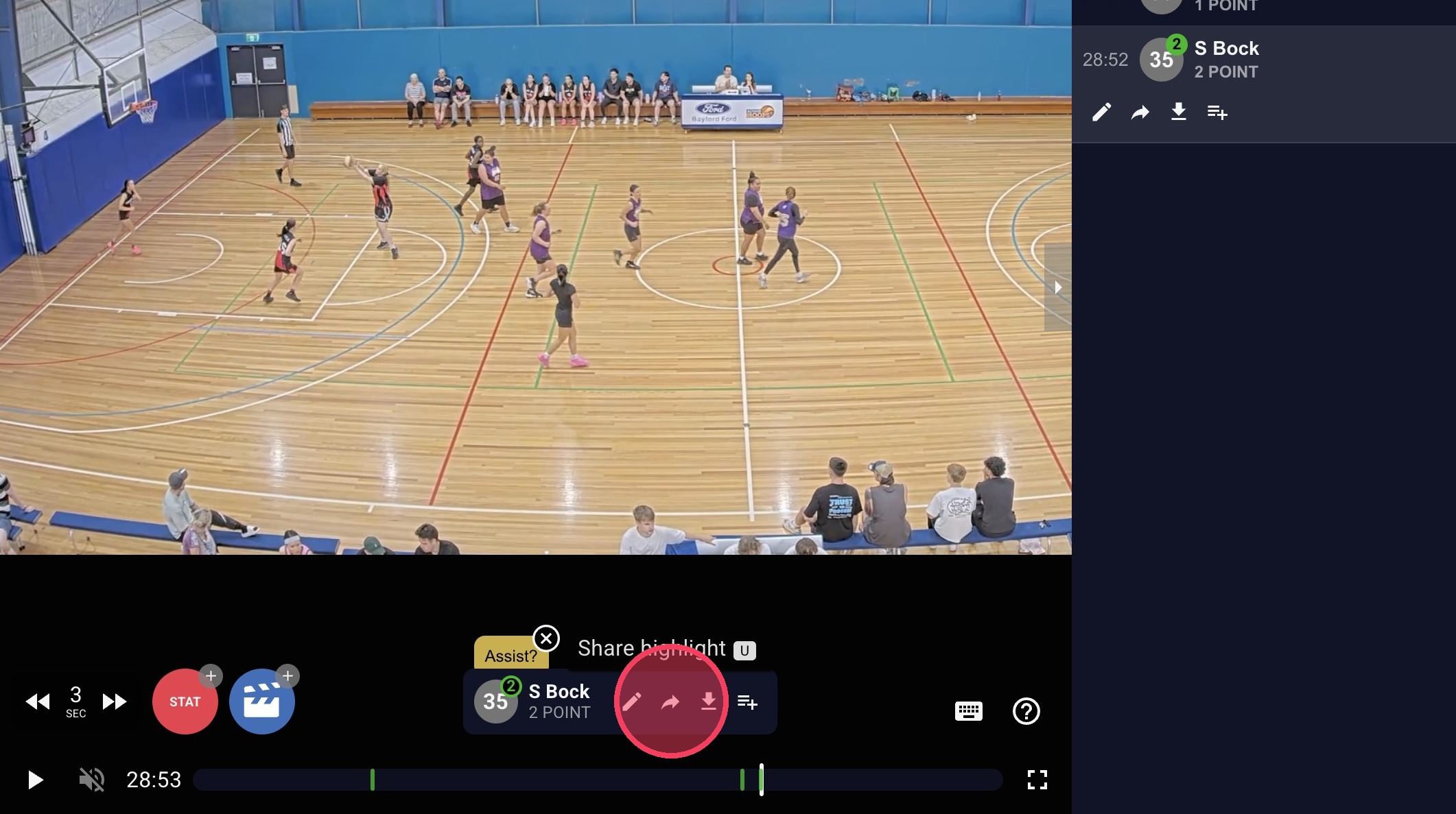
To Send a Link:
Click 'Copy link' to send it in a message.
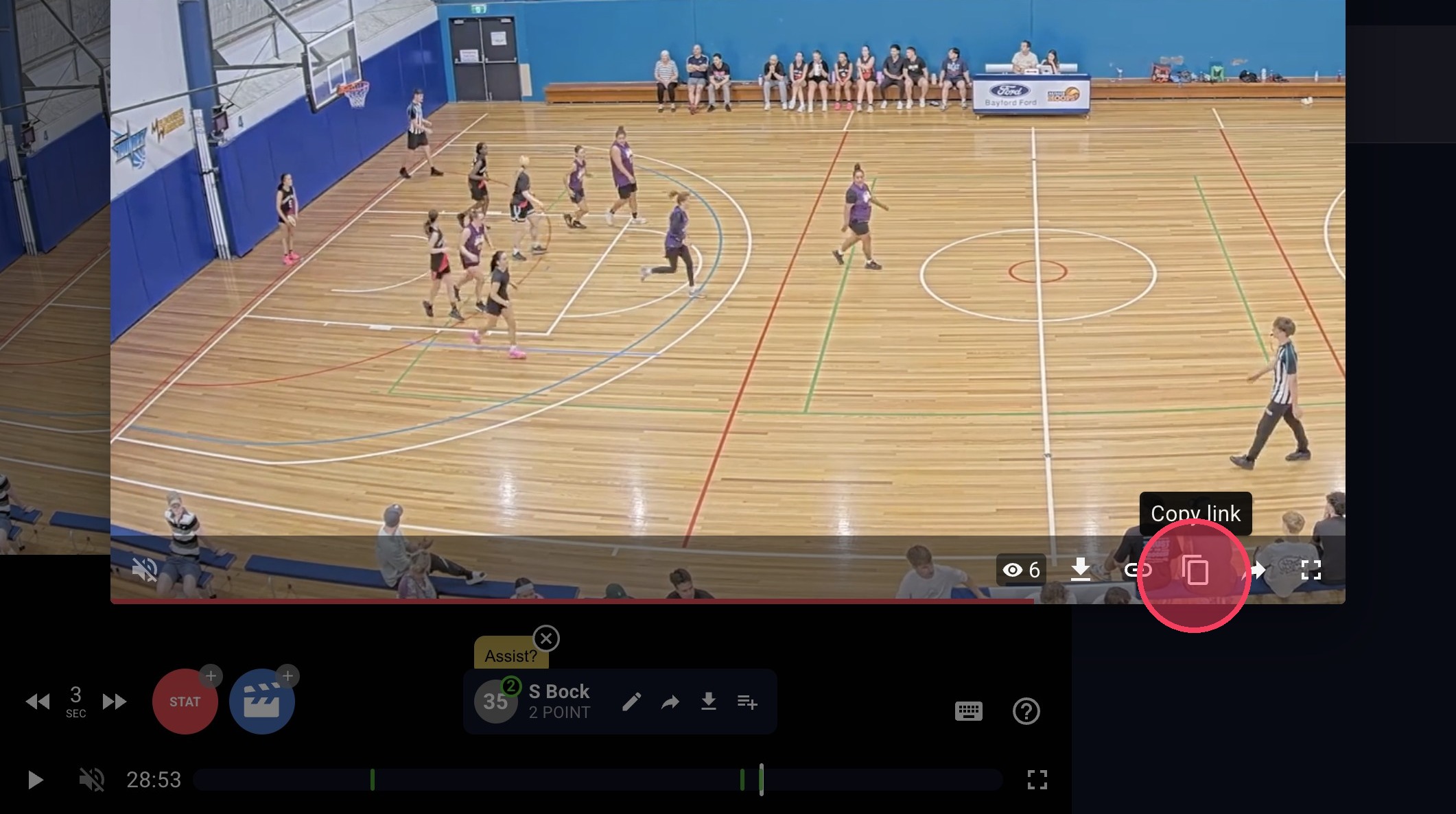
To Download:
Click 'Download Highlight' to save the clip to your device.
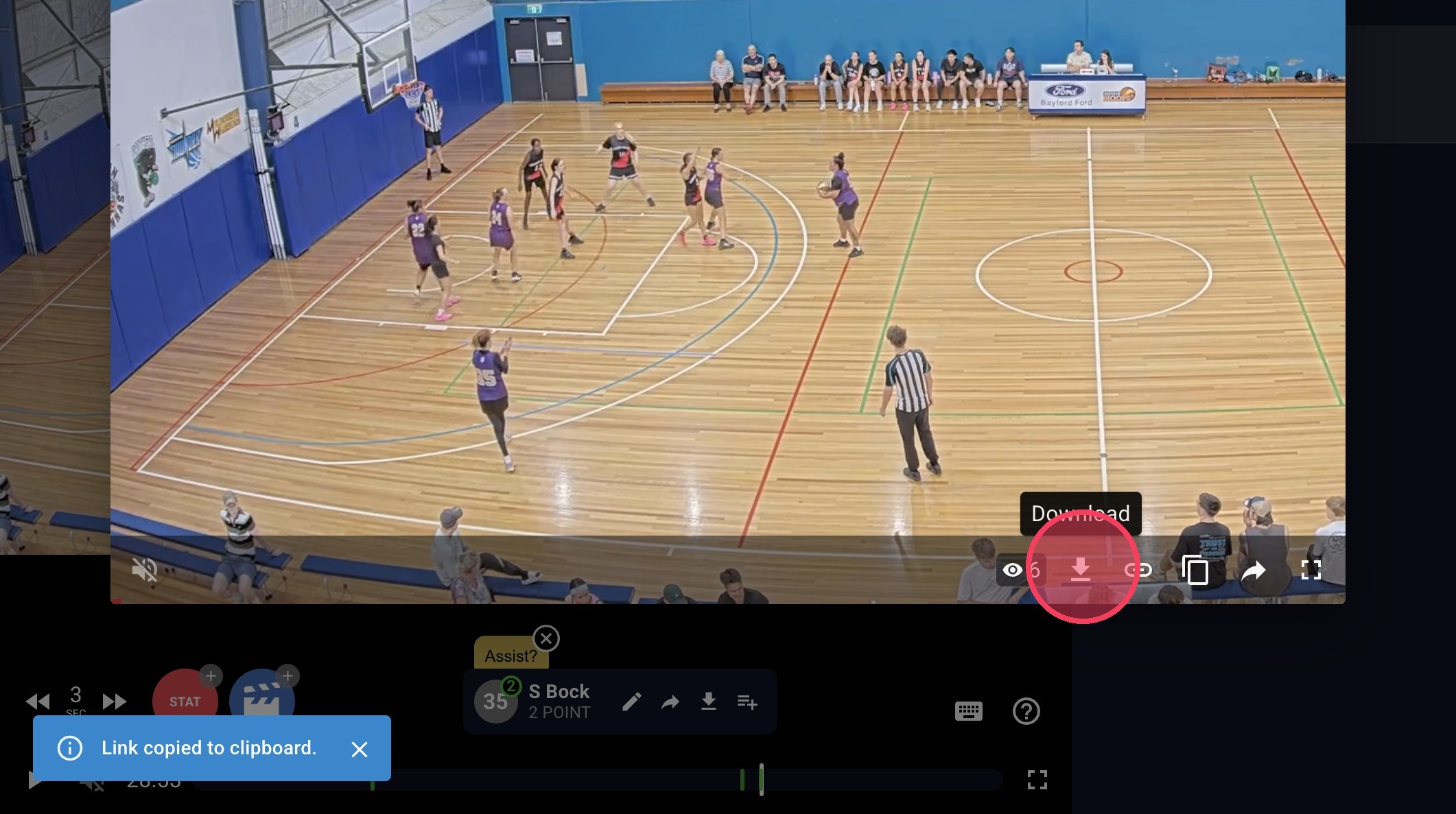
If you can't see the sharing options
Sharing may be disabled for your team or competition for privacy, age-related or competition policy reasons. If sharing is disabled, you will not be able to share or download highlights.
Sharing full game video
Full game videos cannot be shared directly from Glory League.
If you want someone to have ongoing access to your games, you can add them as a Supporter.
Where downloading is enabled, you can also download your full game video.