
How Do I Download a Full Game Video?
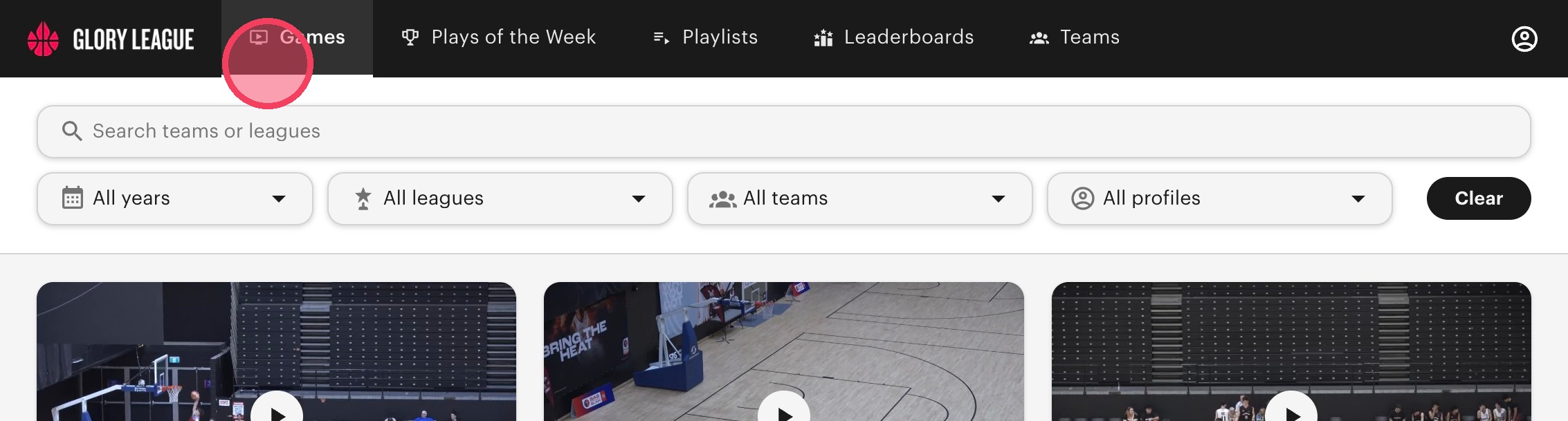
1. Click "Games".
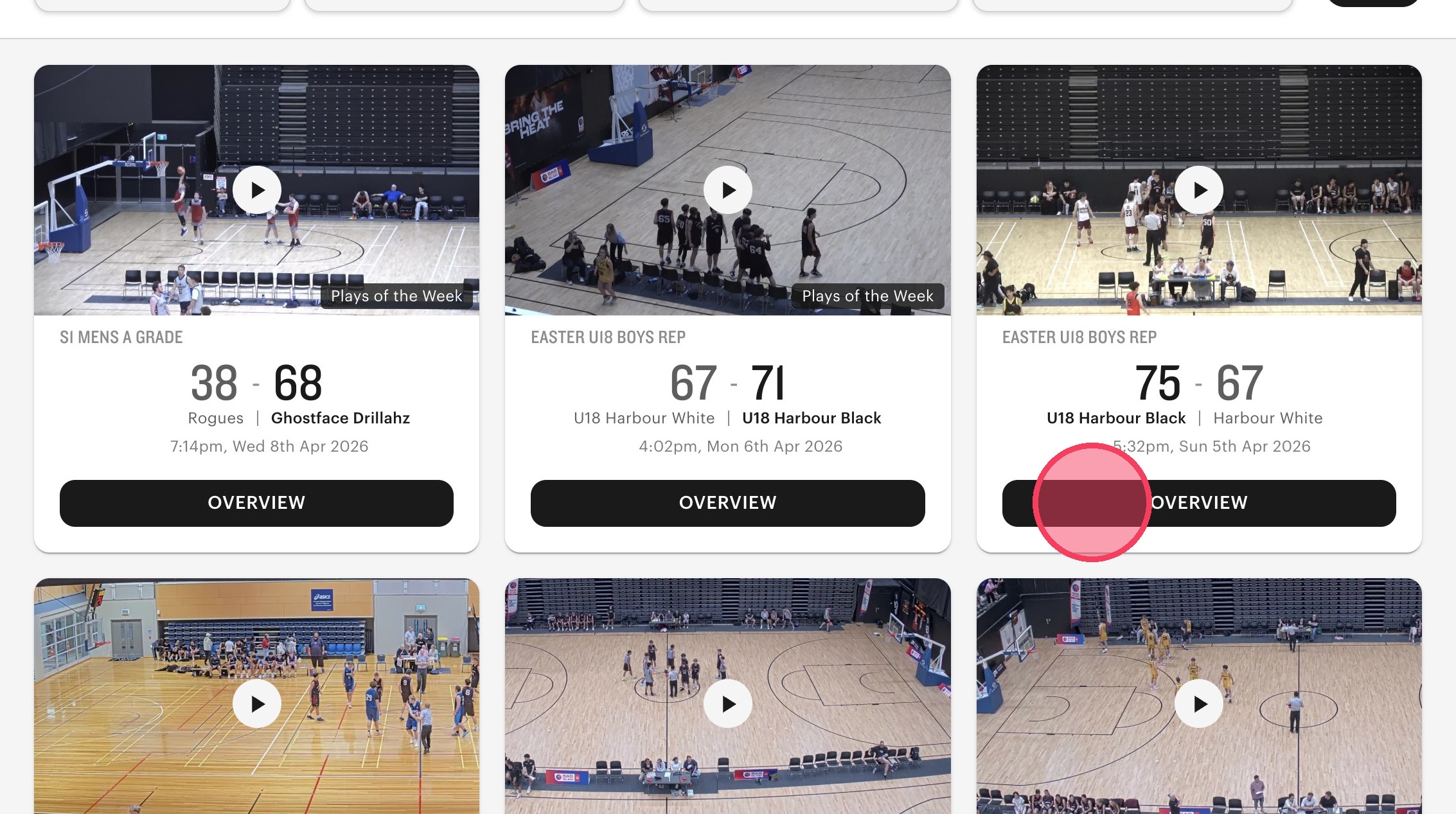
2. Click "Overview" for the game you'd like to download.
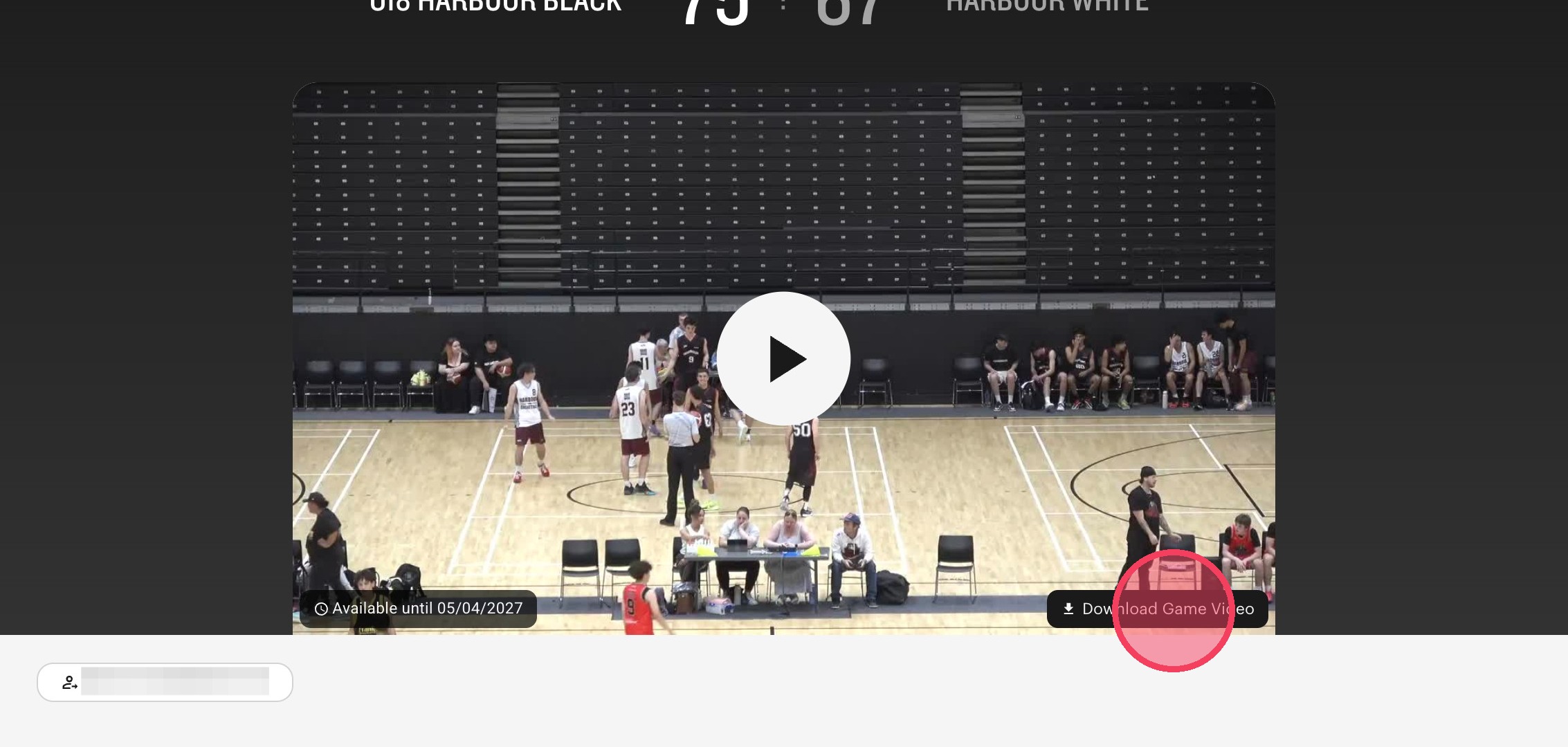
3. Click "Download Game Video".
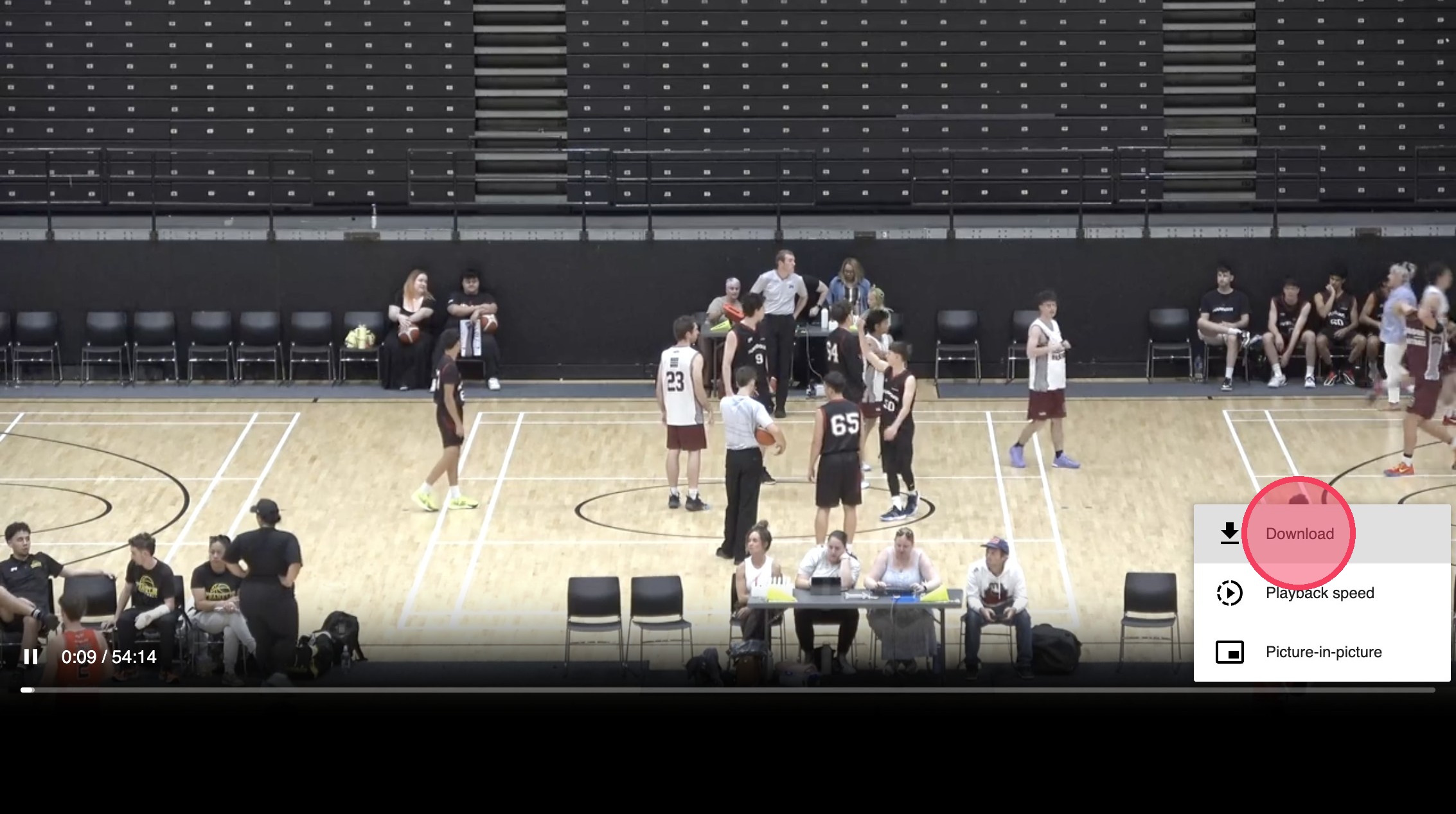
4. The game video will be opened in another browser. Click on the "more options" menu/ the three dots in the bottom right corner. Press "Download".
Can’t see the download button?
If the Download button is not available, the full game video may no longer be stored by Glory League.
For games played from 1 April 2026, full game videos are stored for 365 days from the game date. After this period, the video is permanently deleted and can no longer be downloaded.
For more information, see our Video Storage Policy.