
Plays of the Week - How it Works
Plays of the Week is a weekly feature that lets players nominate their best moments, vote on top highlights, and download a reel of the top 5 winning plays from their association.
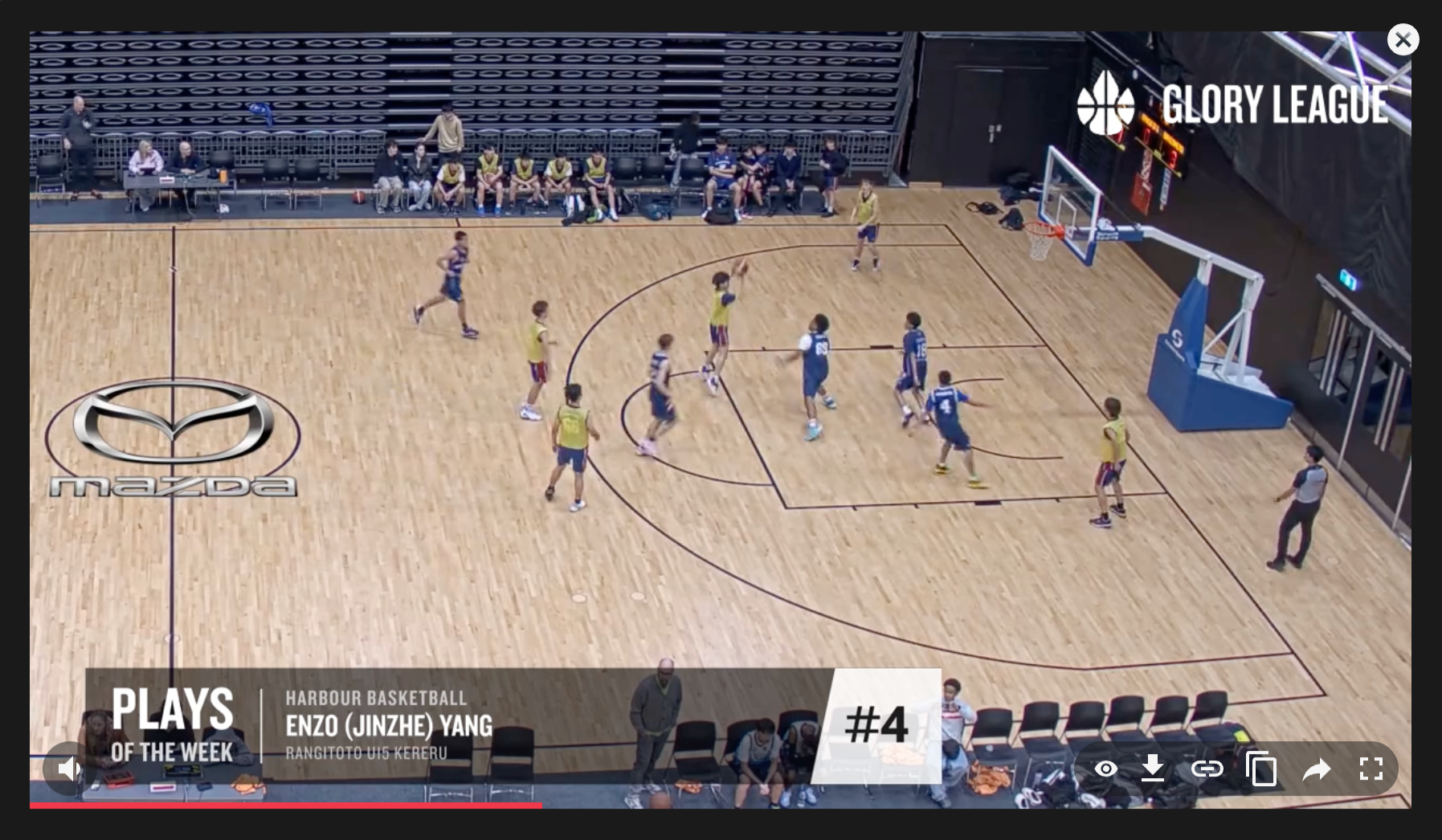
Nominate
After your game is available in Glory League, you can nominate your favourite moments during the nomination window. To nominate a play, open your game video and select a highlight.
From there you can:
- nominate an existing highlight
- edit the timing of a highlight if needed
- create a new highlight using stats or reaction markers
Look for Plays of the Week on your games page — this means the game is eligible for nominations. Only highlights from eligible games will appear in Plays of the Week.

Voting Opens
Once nominations close, players across your association can vote for their favourite clips. Each player can vote across multiple highlights, but only once per clip. The nomination and voting window closes the Sunday following the game.
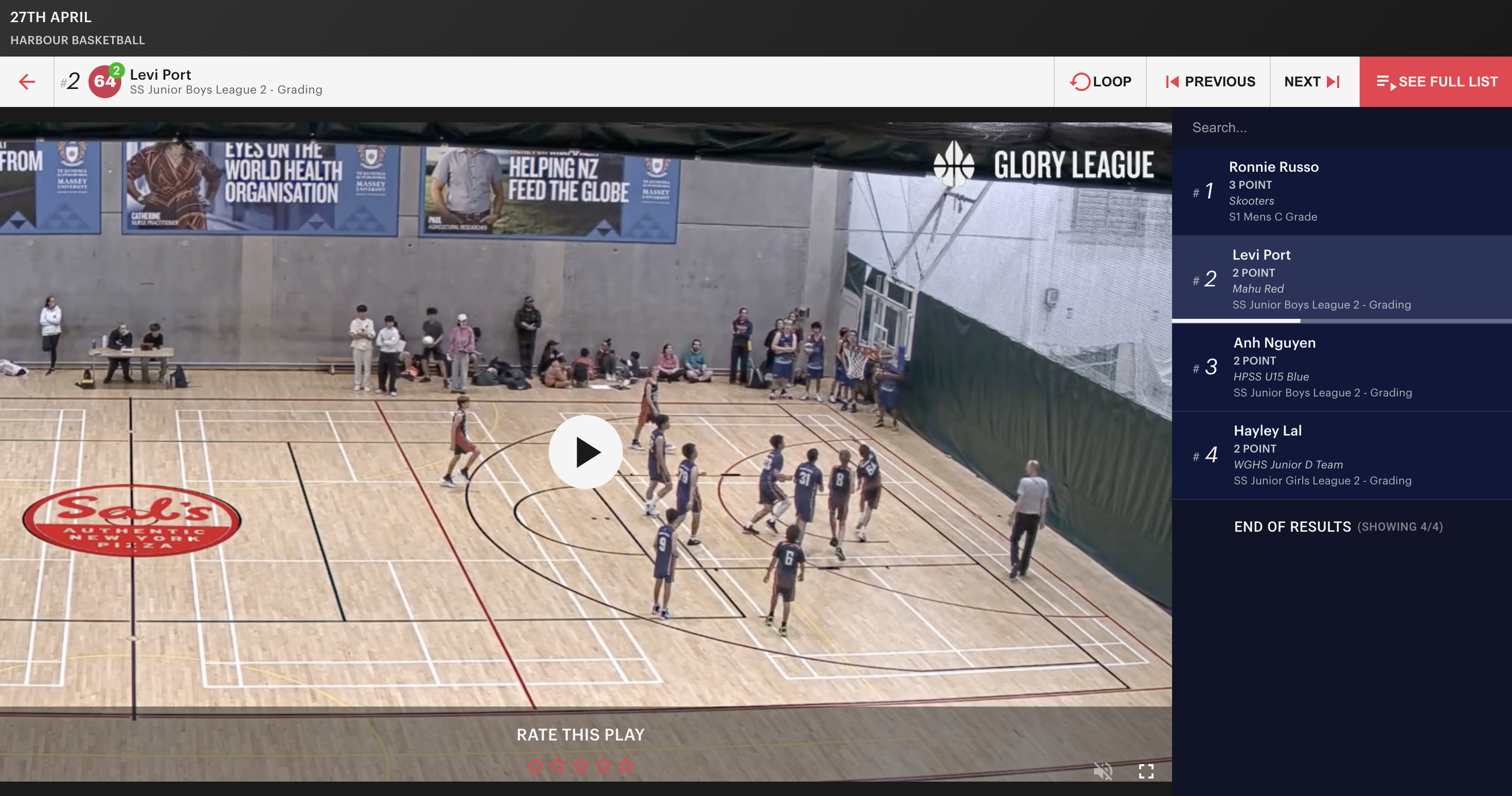
Top 5 Reel
After voting closes, the five highest-voted highlights are compiled into a weekly reel. Players and admins can view, download, and share the reel with teammates, friends, and supporters.

Feature availability
Plays of the Week availability may vary depending on age group or competition settings. Associations can choose whether this feature is enabled. If you’re unsure whether your competition is included, please contact your association.