Plays of the Week - Nominate a highlight
Follow these steps to nominate your favourite plays from your game.
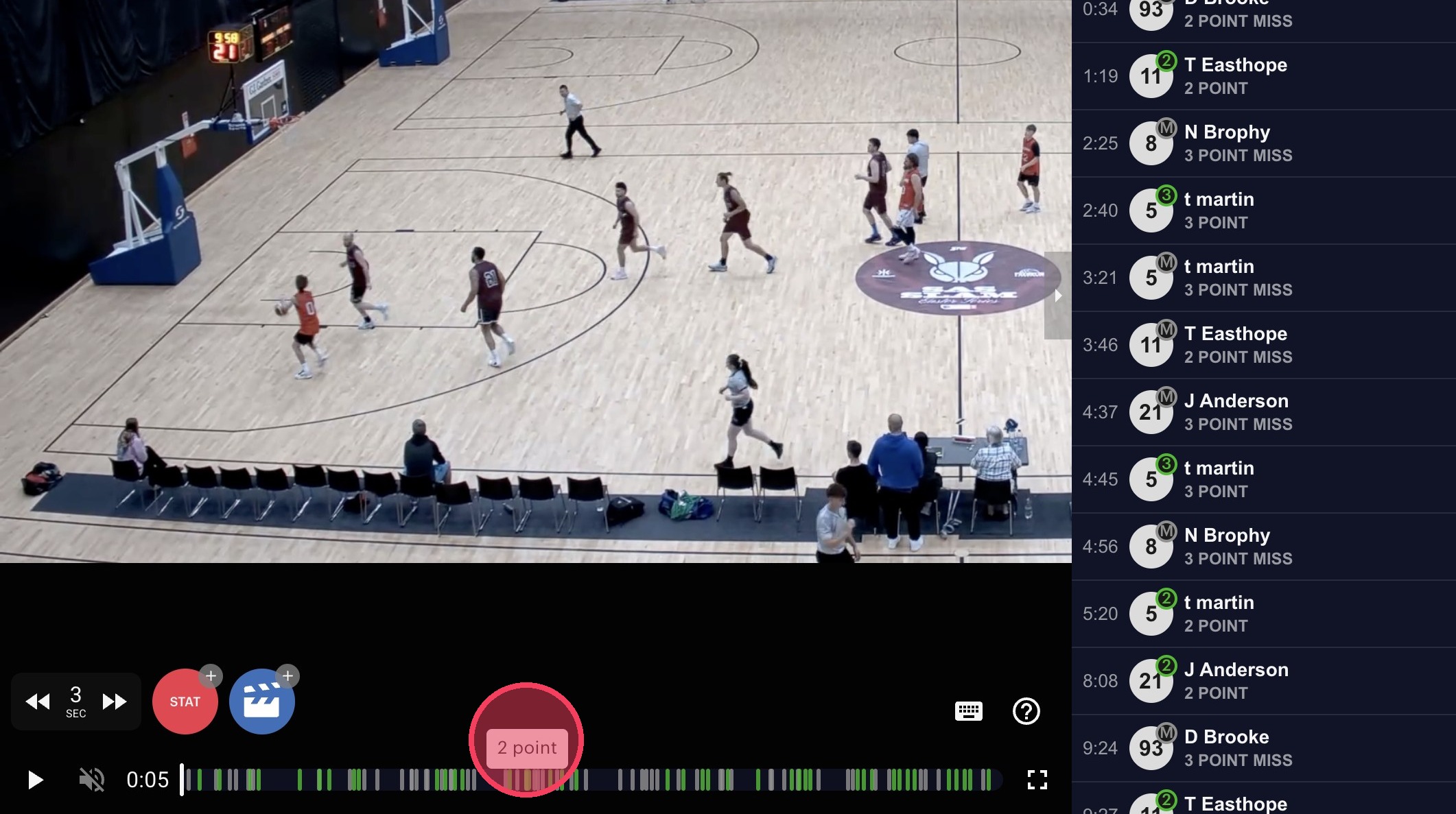
1. Open a highlight
From your game video, click on the highlight you'd like to nominate.
2. Nominate the highlight
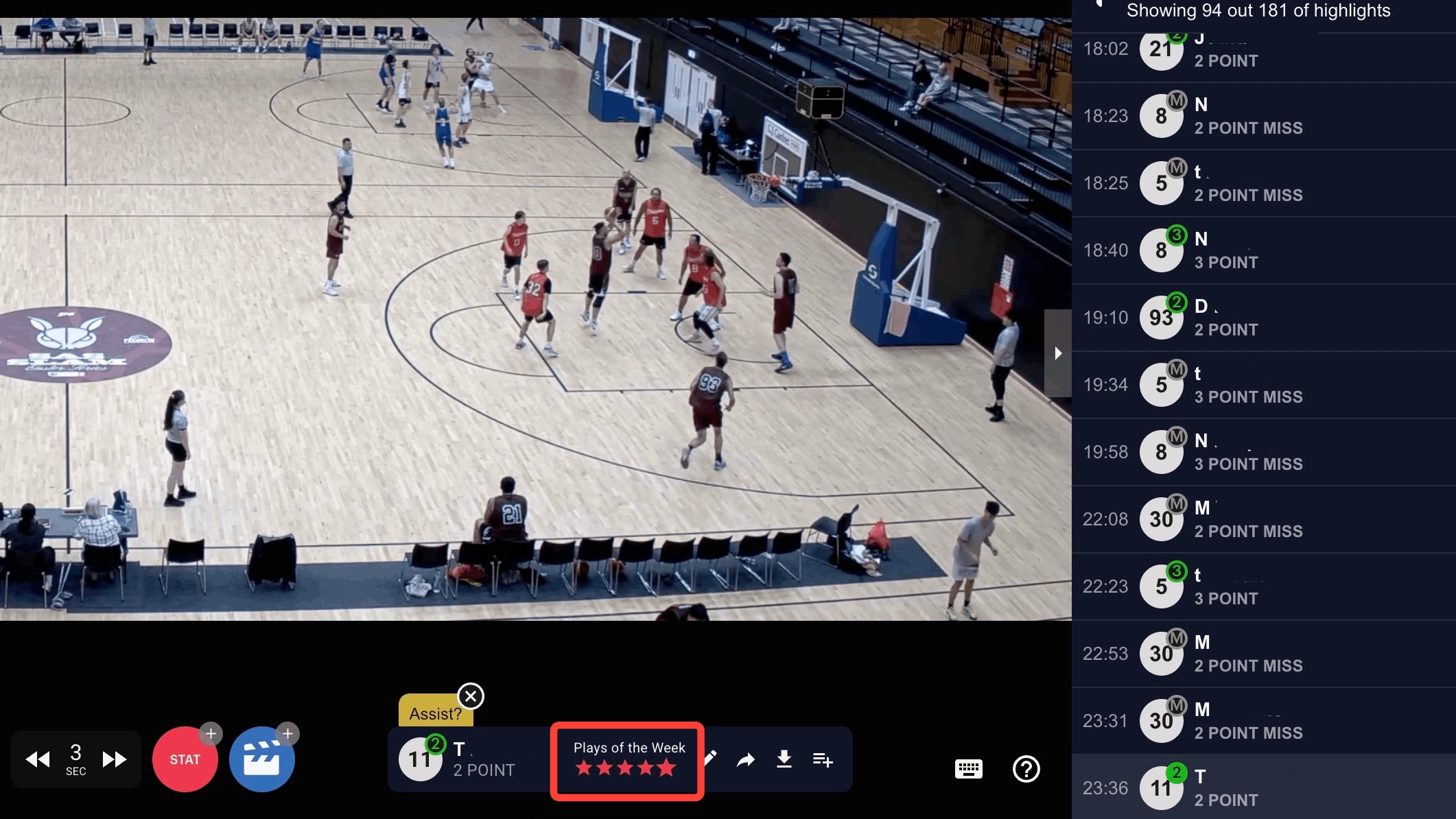
In the highlight pop-up, select a star rating from 1–5 to nominate the clip for Plays of the Week.
You can also adjust the clip timing or create a new highlight before nominating if needed.
3. View this week’s nominations
Once you’ve nominated your highlight, you can head to this week’s Plays of the Week competition by clicking the banner at the top of the highlights bar.
From there, you can watch other nominated clips and vote for your favourites.