
How to Share a Highlight Online
-
Open the Highlight you want to share.
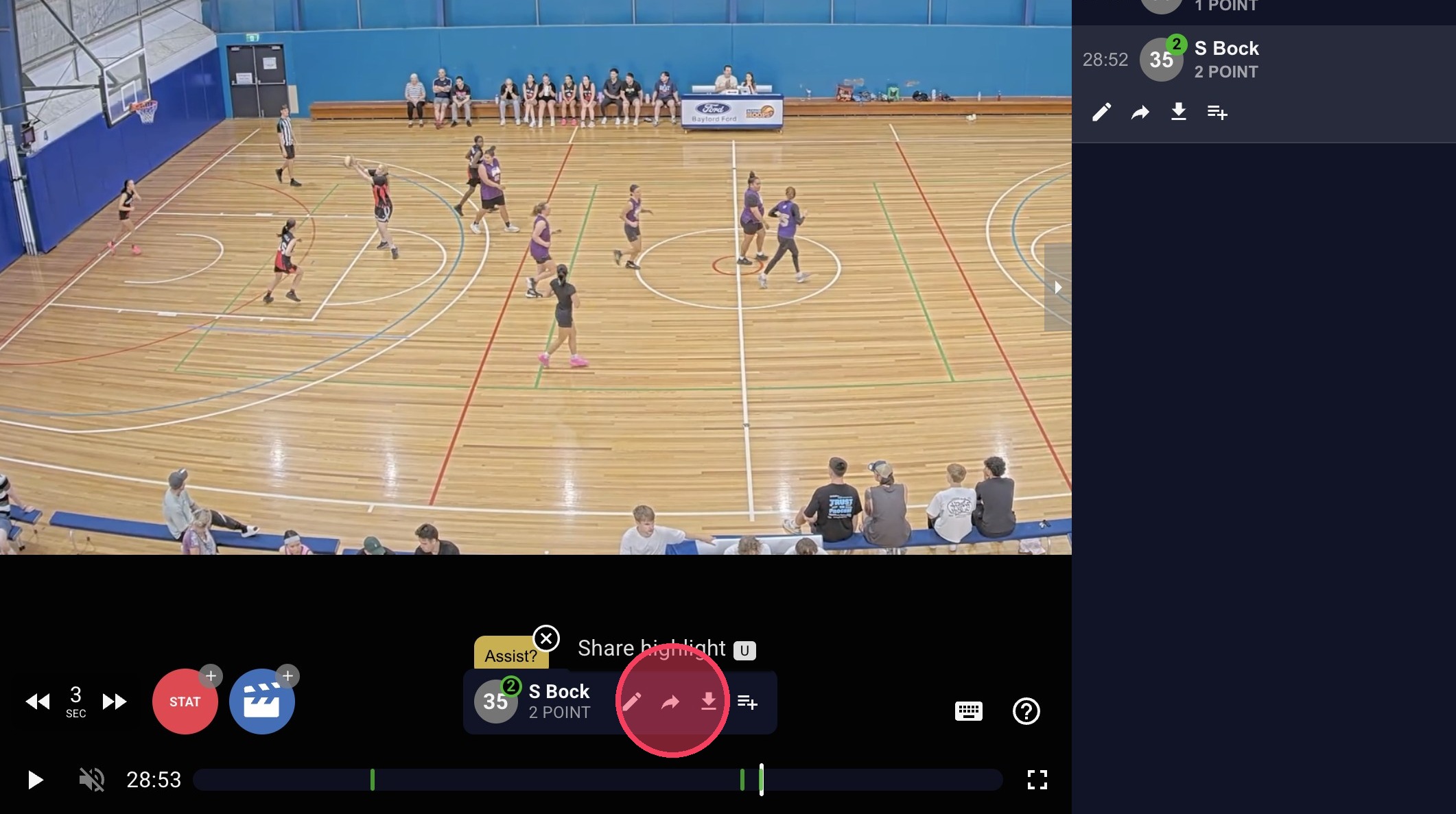
In the highlight pop-up, click 'Share highlight'.
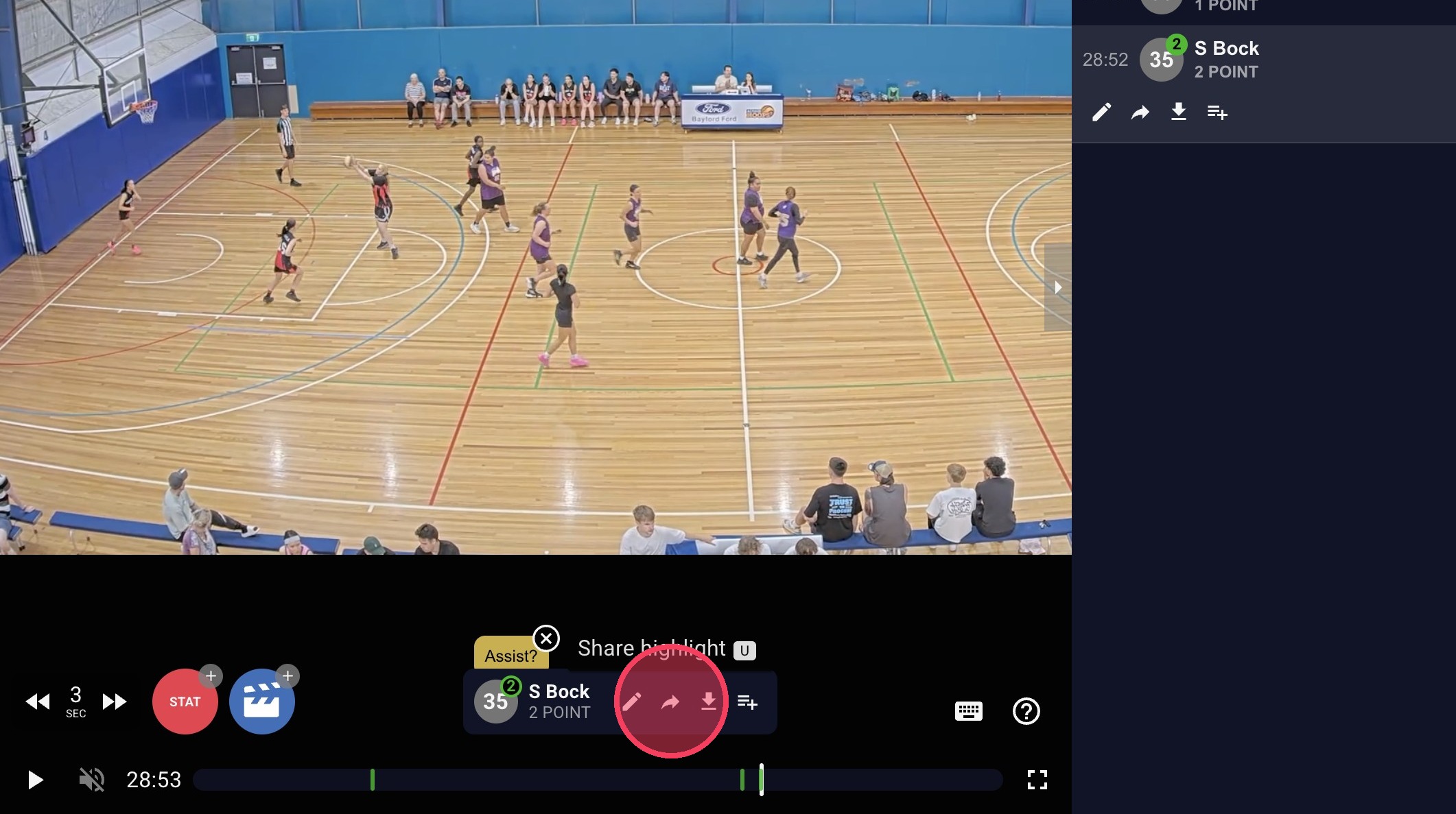
-
Choose how you want to share it:
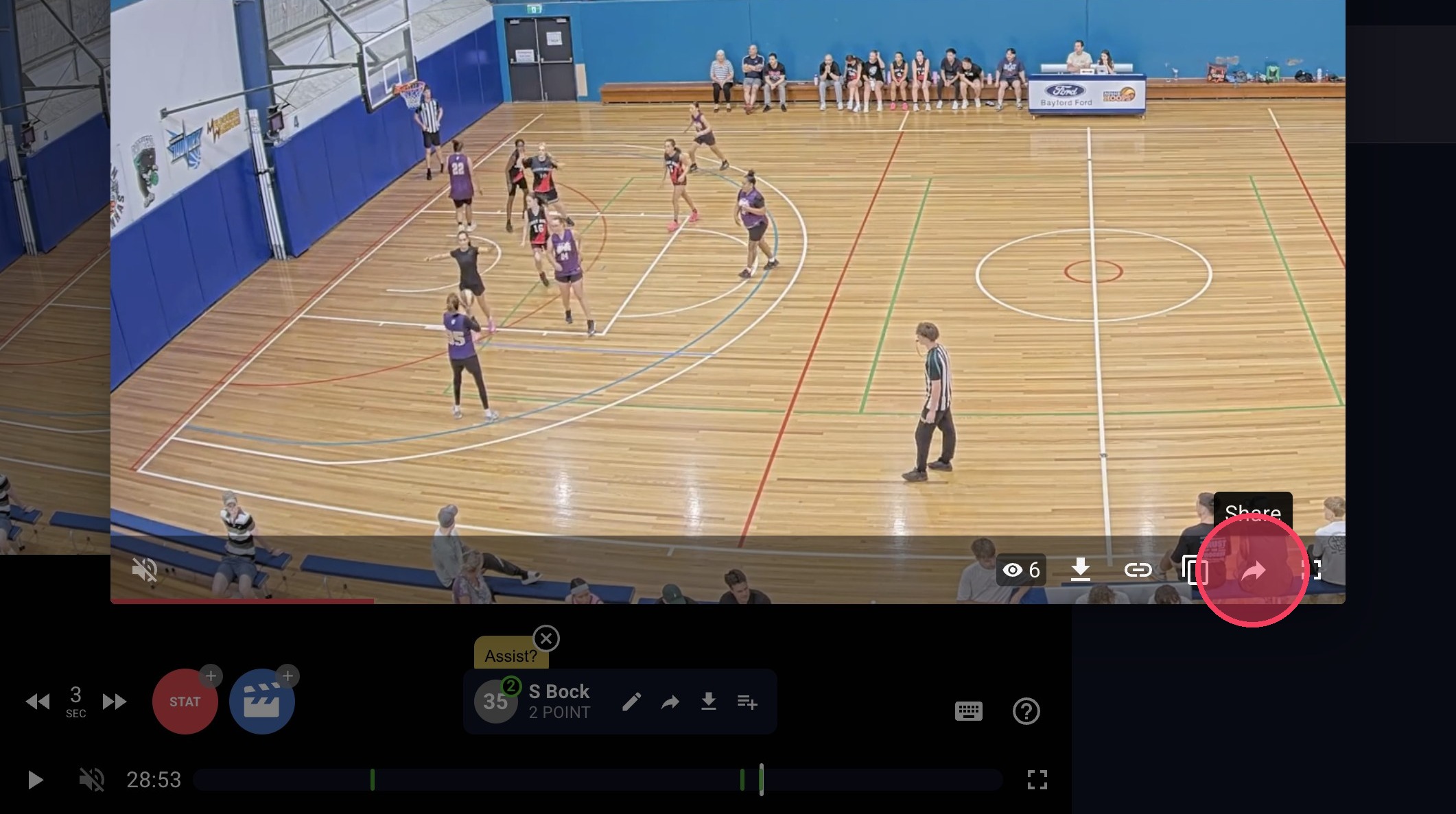
- Click your social sharing option to post it
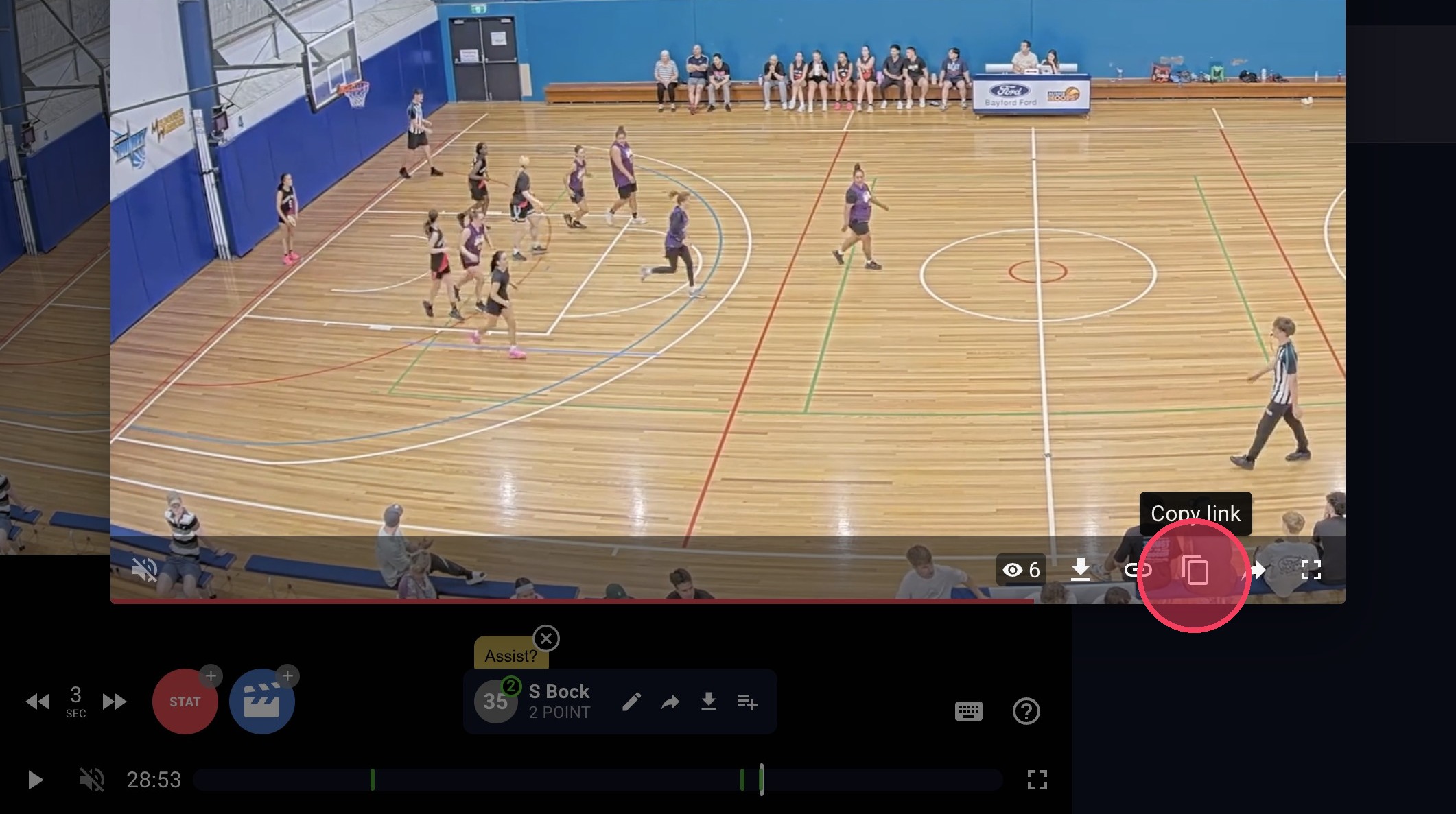
- Click Copy link to send it in a message
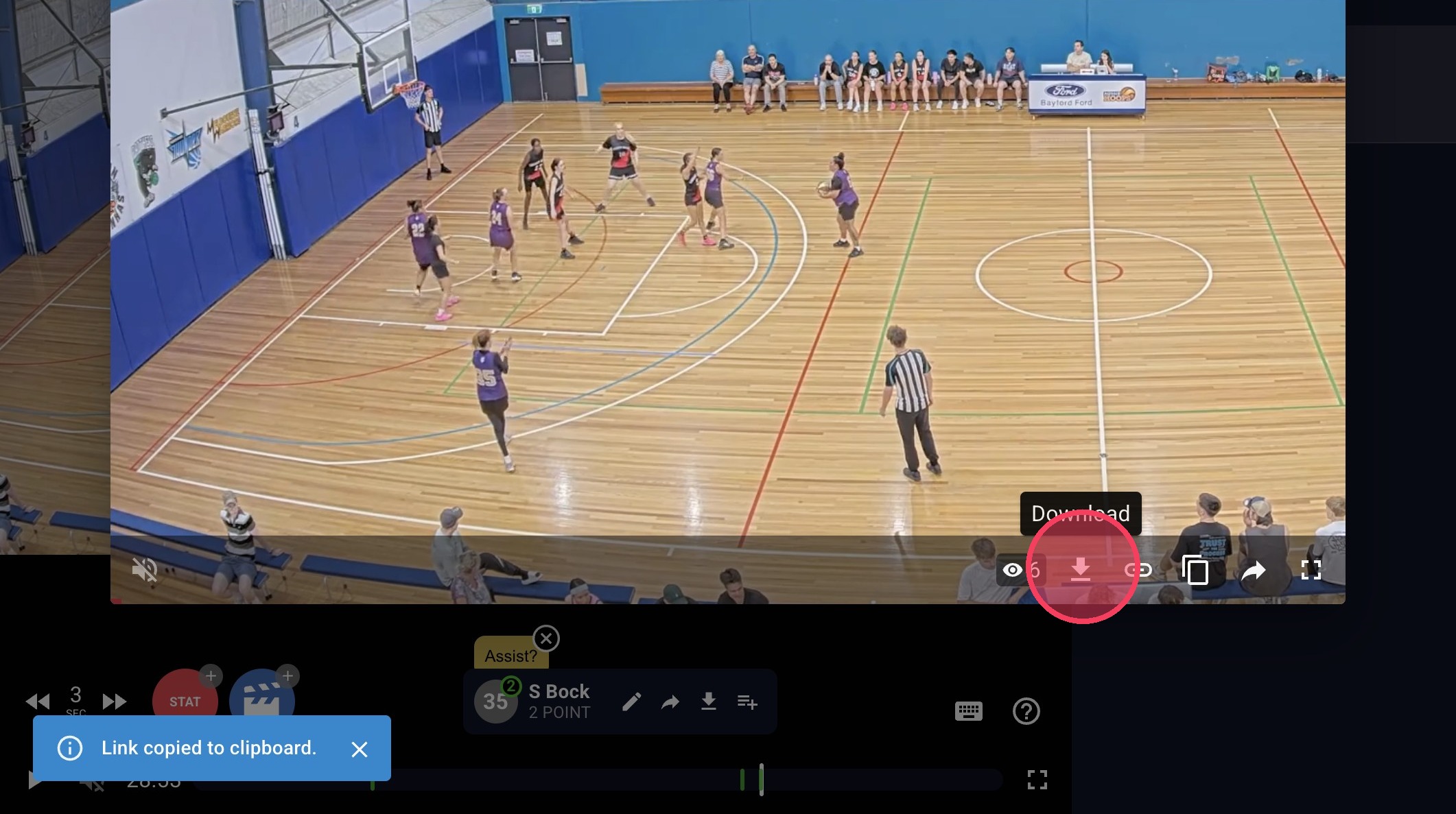
- Click Download Highlight to save the clip to your device
- Click your social sharing option to post it.
- Click 'Copy link' to send it in a message.
- Click 'Download Highlight' to save the clip to your device.
Sharing full game video
If you’d like to share your full game video, you can add a Supporter to your account so they can access your games. Click here to view the guide.