
How Can I See the Leaderboards?
Through your player portal you can access both competition and team leaderboards.
Note: As these stats are added in player portal the quality of your leaderboards depends on the tagging of the teams in your league.
Competition Leaderboard
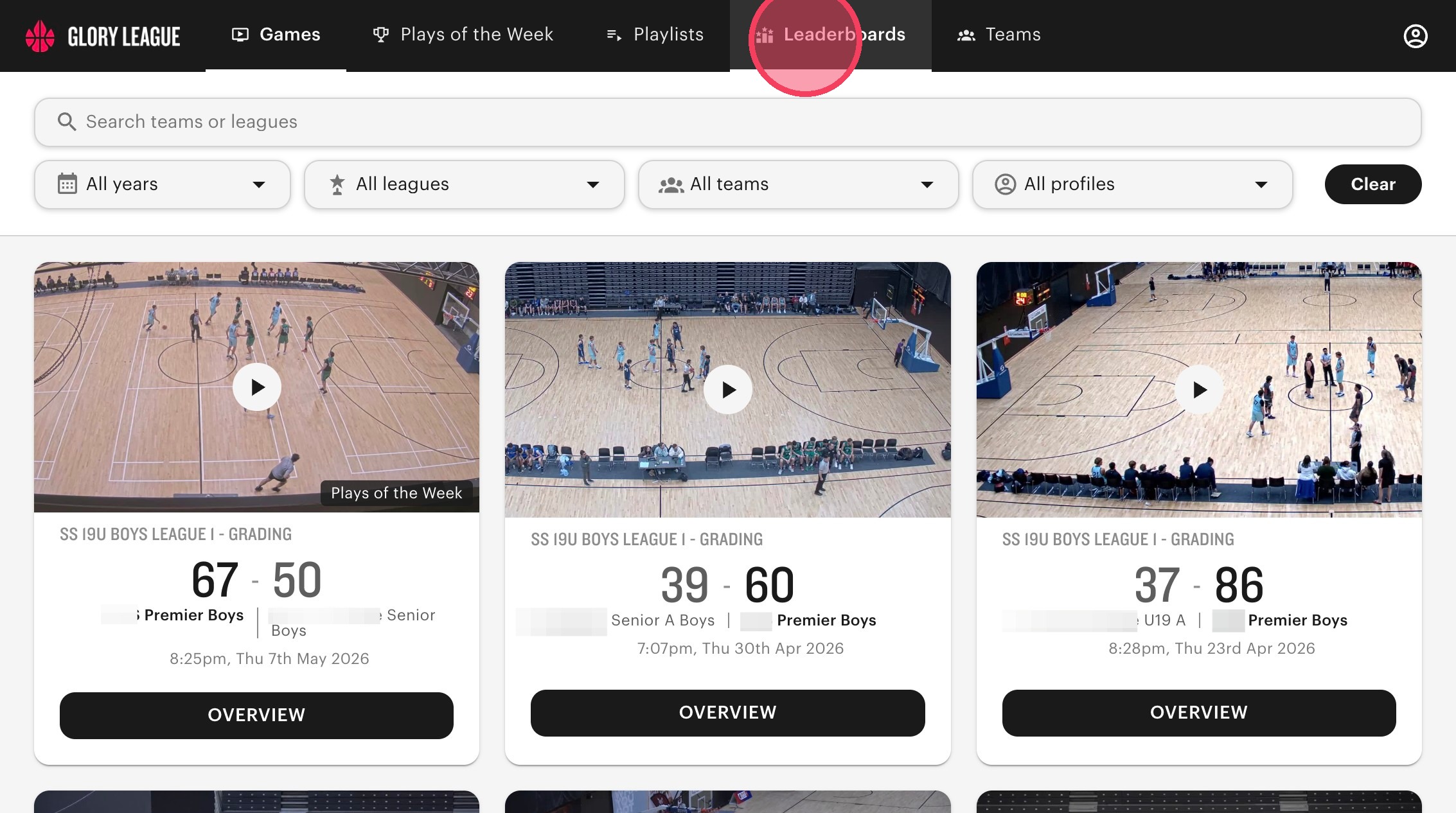
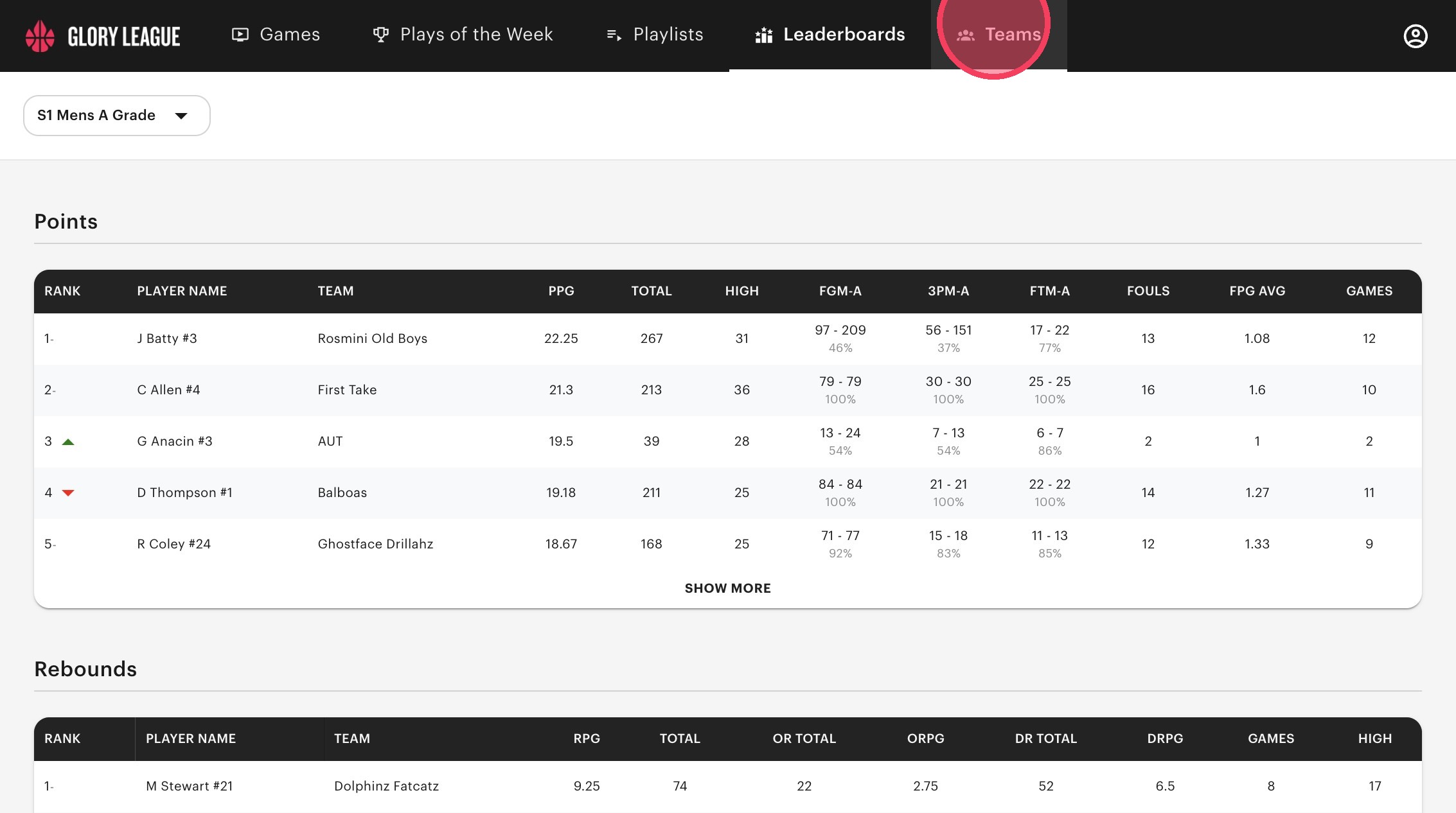
Click "Leaderboards" on the Games Page in your Player Portal.
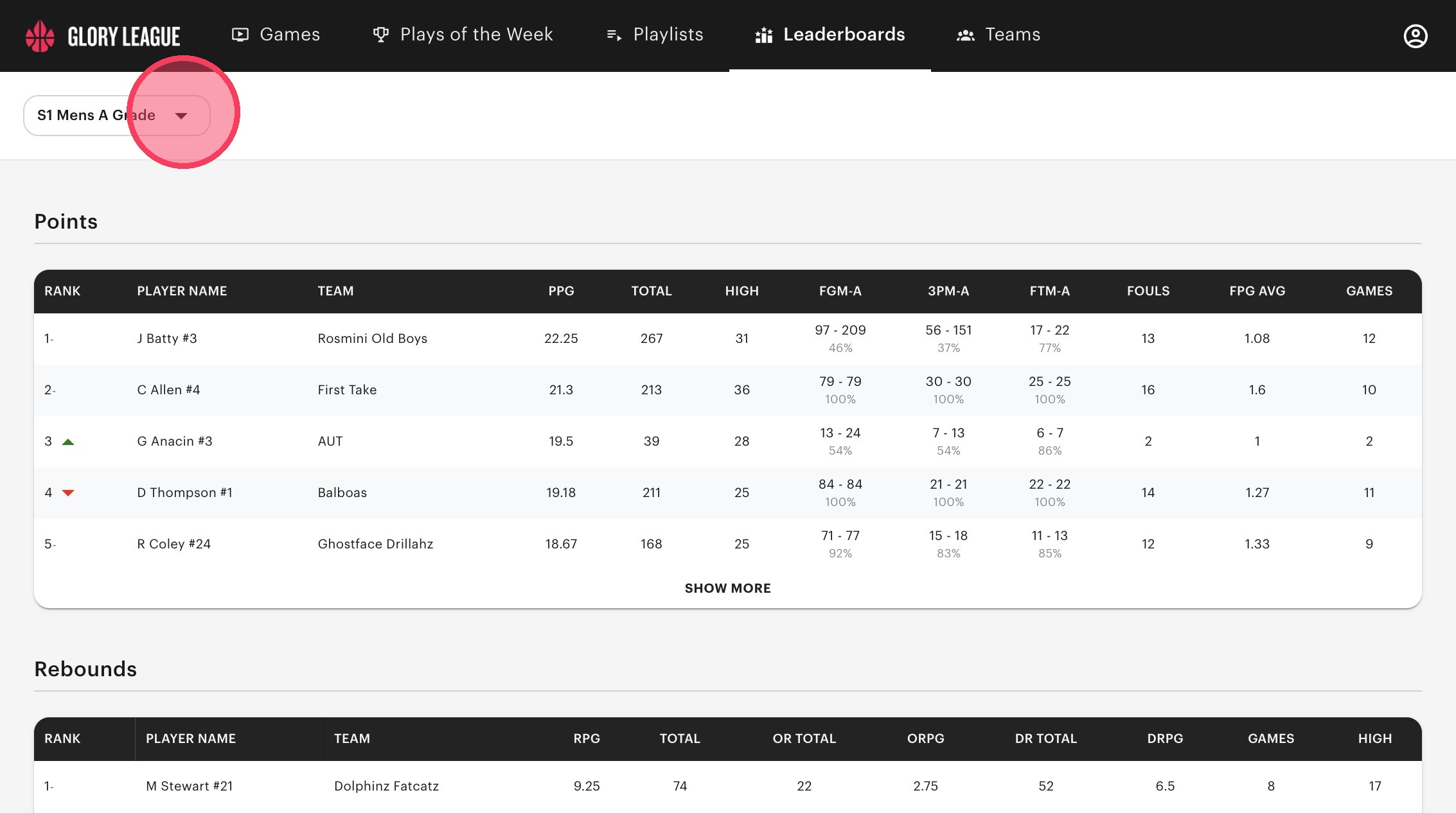
To switch to a different Competition Leaderboard, click on the dropdown next to the current league name.
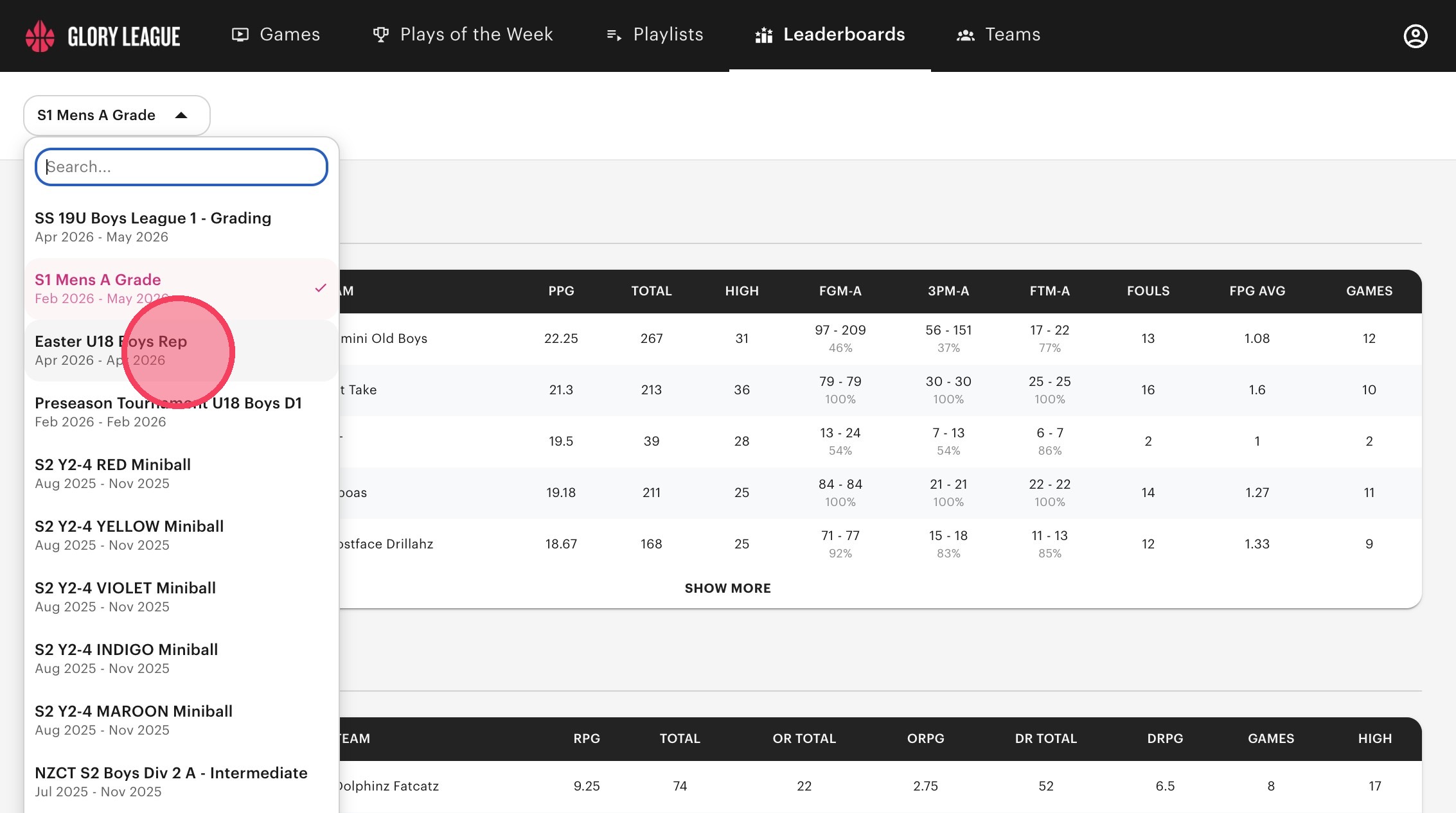
Click the Leaderboard you want to see from the dropdown menu.
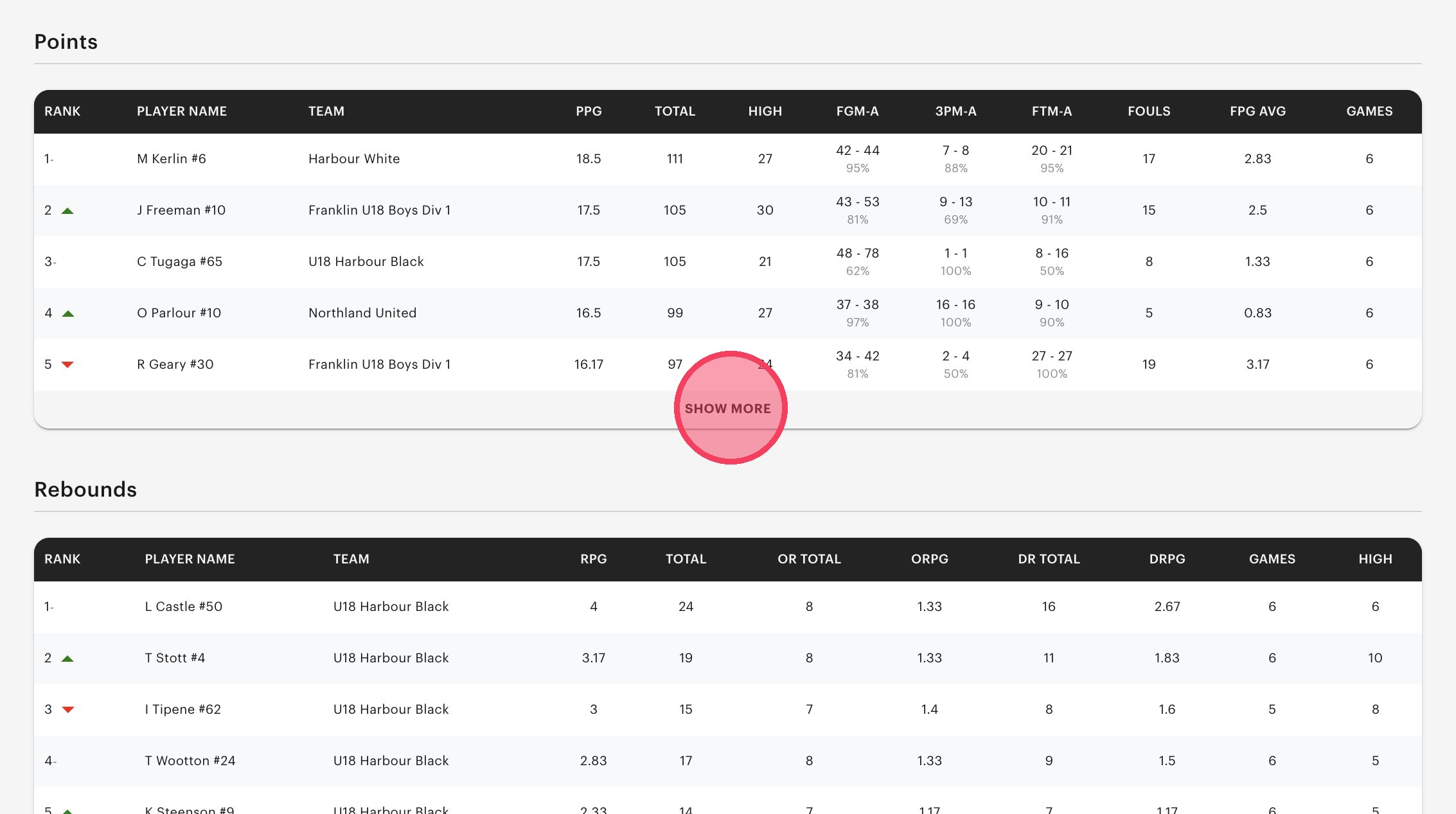
Scroll through the page to see the competition leaderboards for points, rebounds, assists, blocks, and steals. The top 5 ranks for each stat are previewed but you can click "Show More" to see every player ranked.
Team Leaderboard
To see just your teams leaderboard, click "Teams".
Click "Leaderboard".
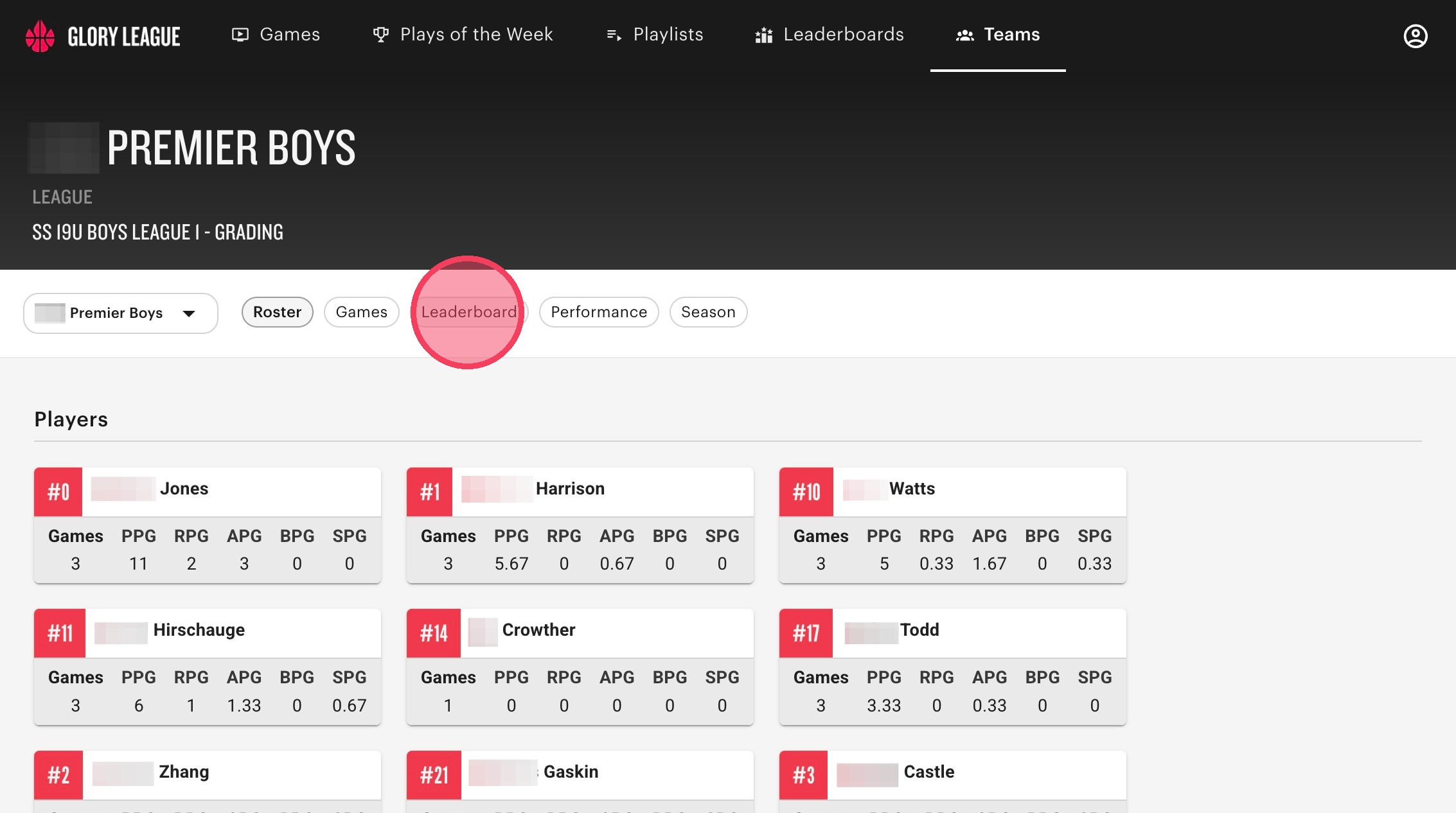
Click the dropdown menu to select which team you'd like to see the leaderboard for. Scroll through the page to see your teams stats (points, rebounds, assists, blocks, and steals).
