How to Change Your Email Address in Player Portal
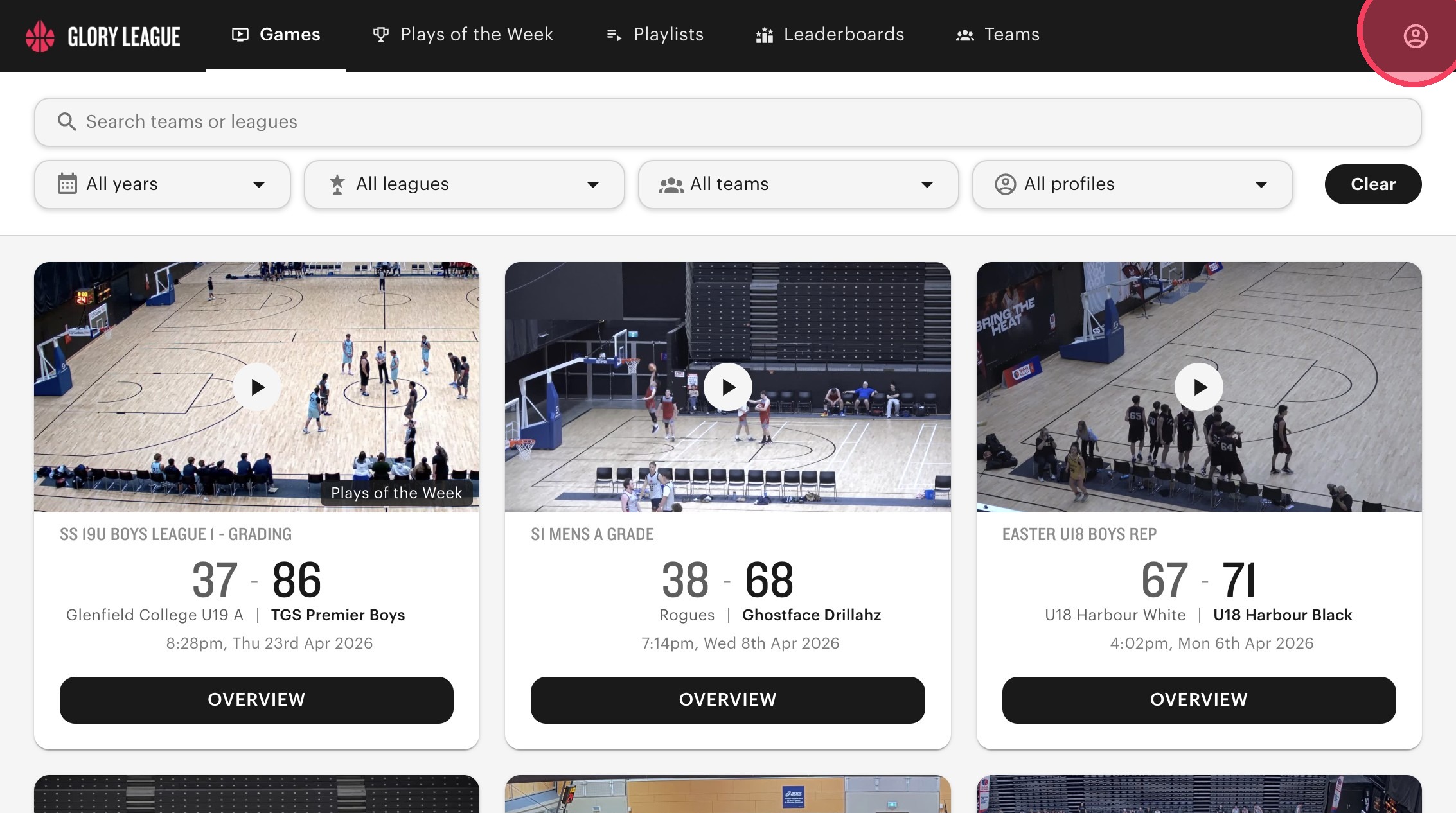
Log into your player portal then click on the user icon in top right corner.
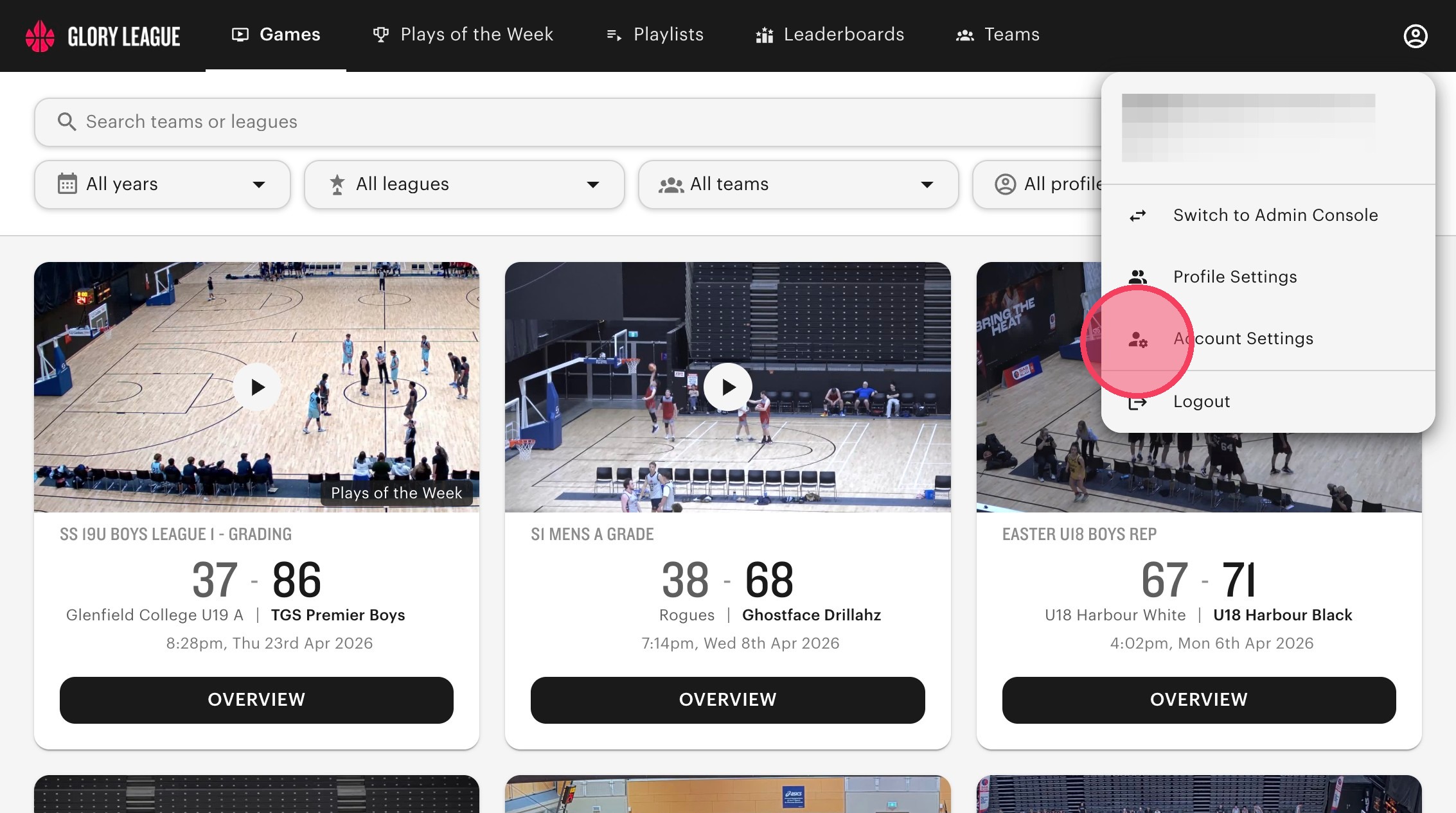
Click "Account Settings".
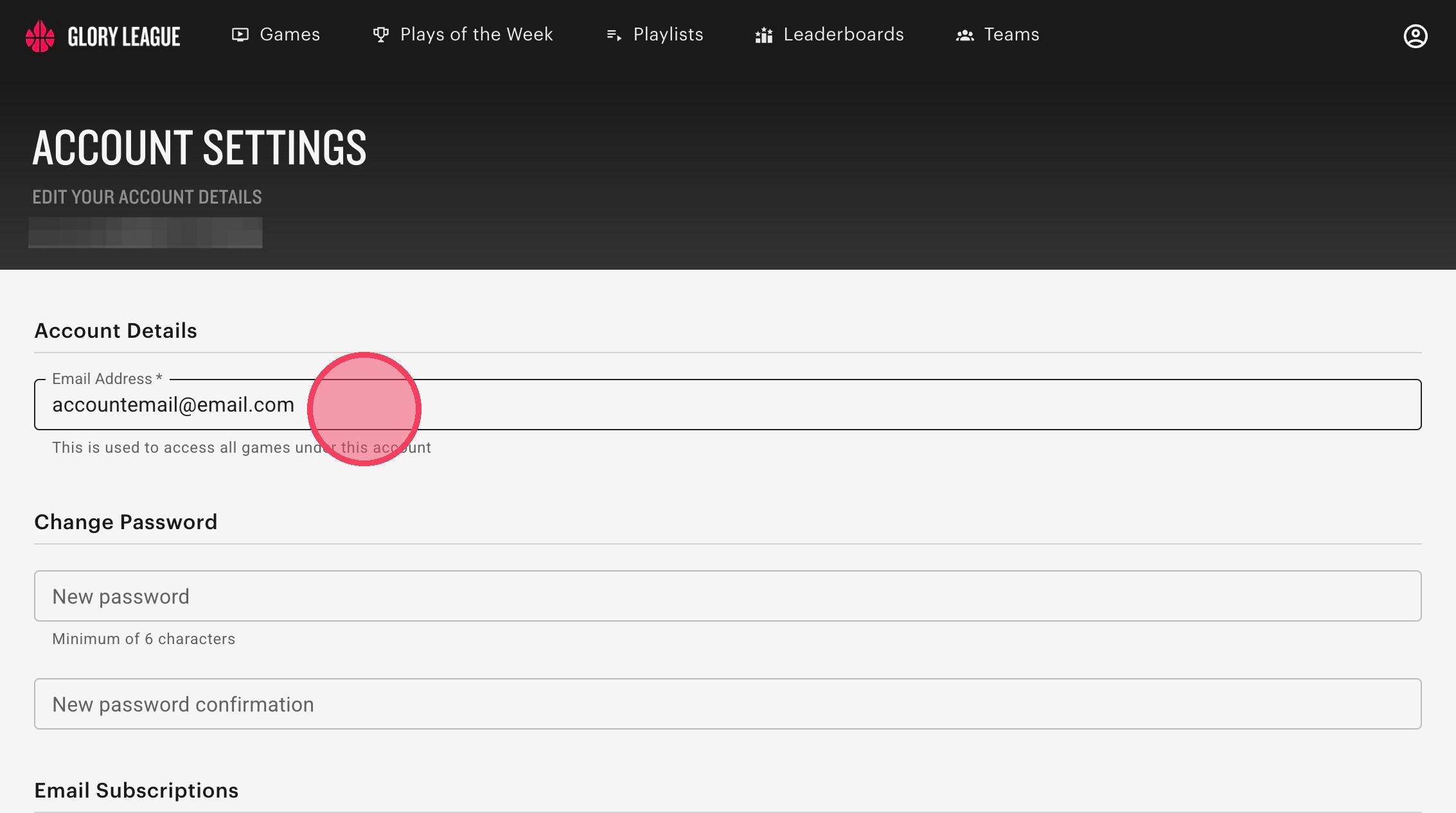
Click the "Email Address" field.
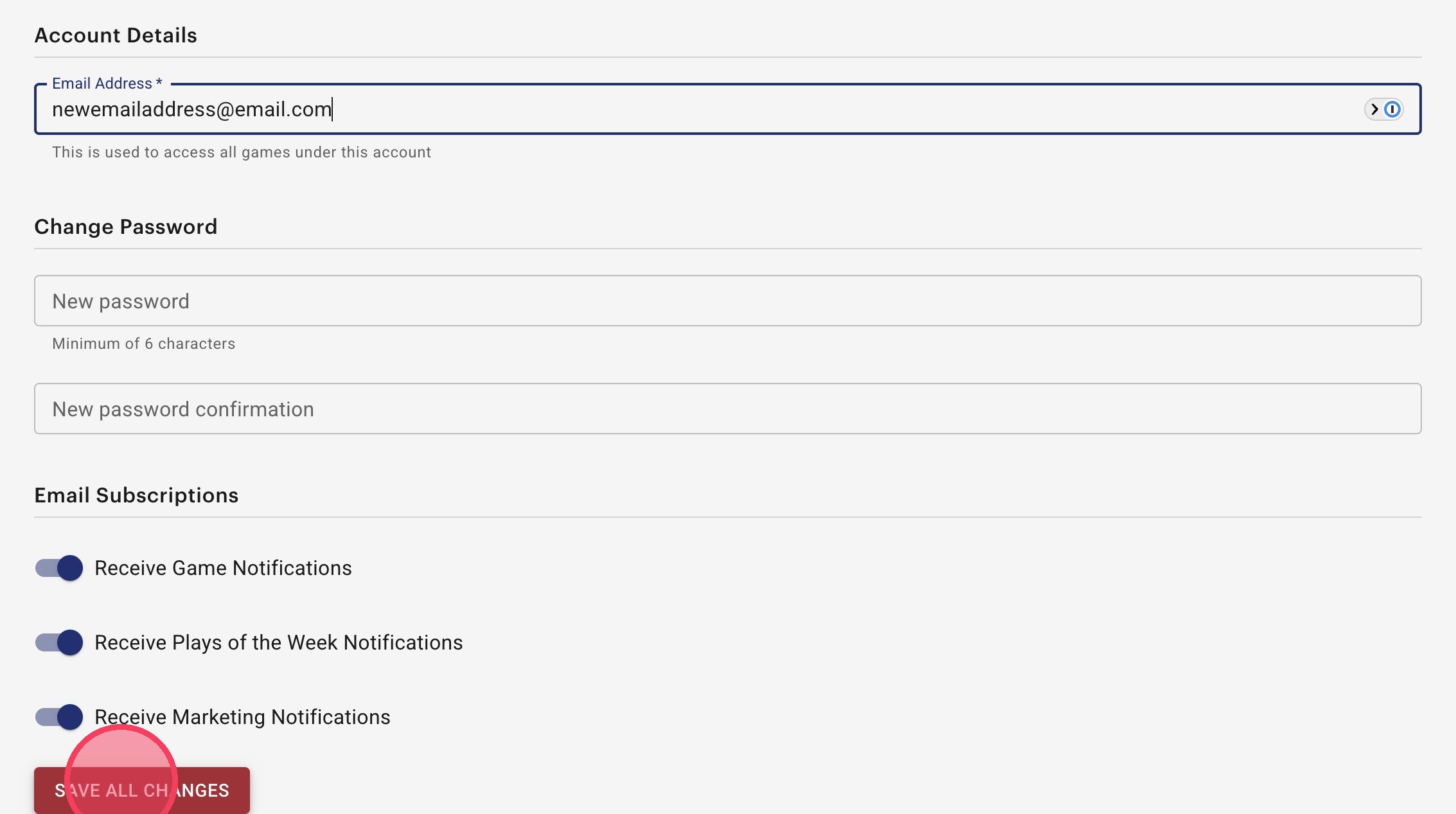
Enter your new email address and click "Save all changes".

Log into your player portal then click on the user icon in top right corner.
Click "Account Settings".
Click the "Email Address" field.
Enter your new email address and click "Save all changes".
Still need help? Contact Us Contact Us