How to Share a Playlist
In order to share your playlist you must make it public. Making your playlist public only allows people with the link to view it. You can't see other players playlists unless they have shared the link with you.
Make Your Playlist Public
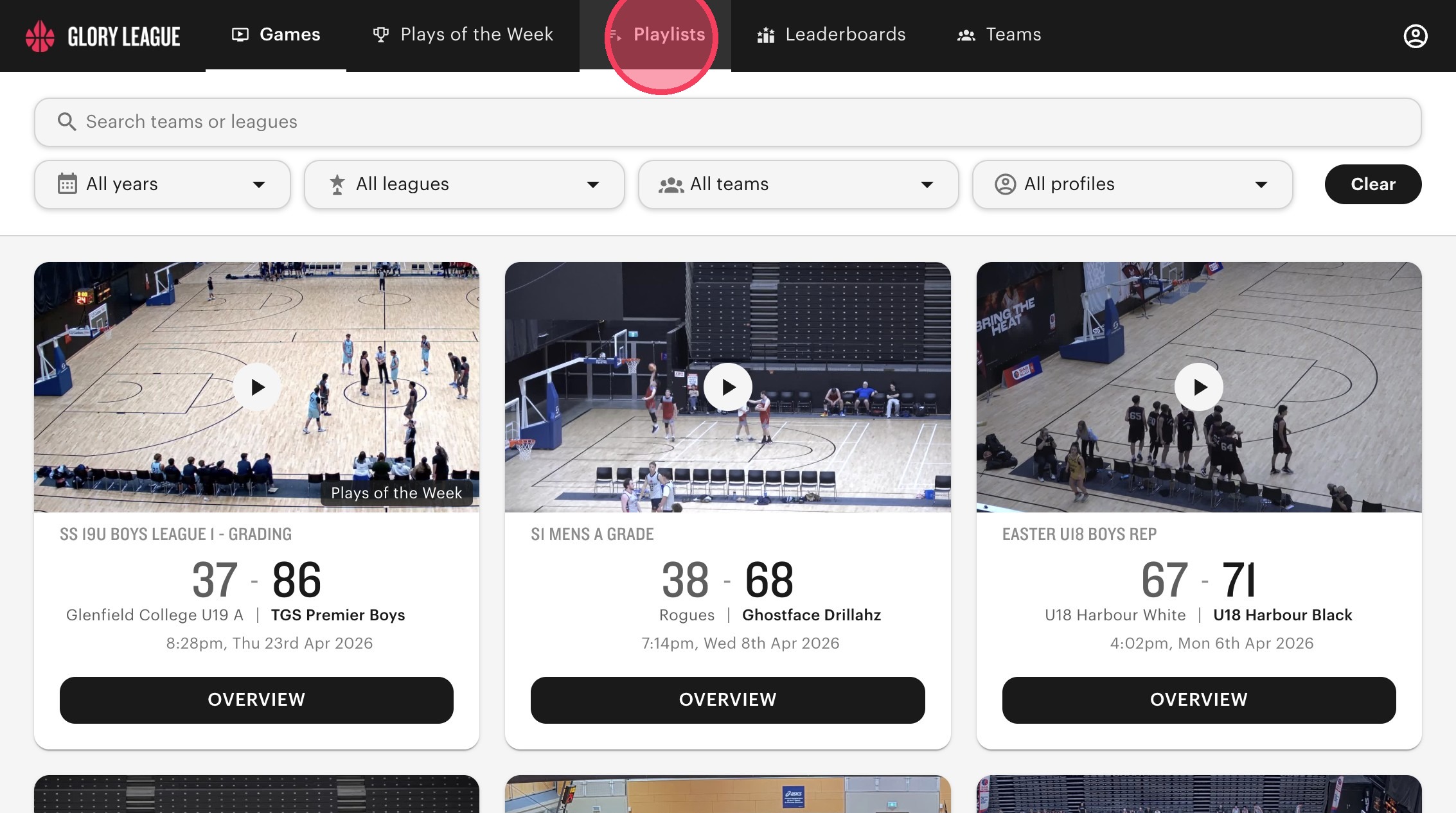
Navigate to your "Playlists".
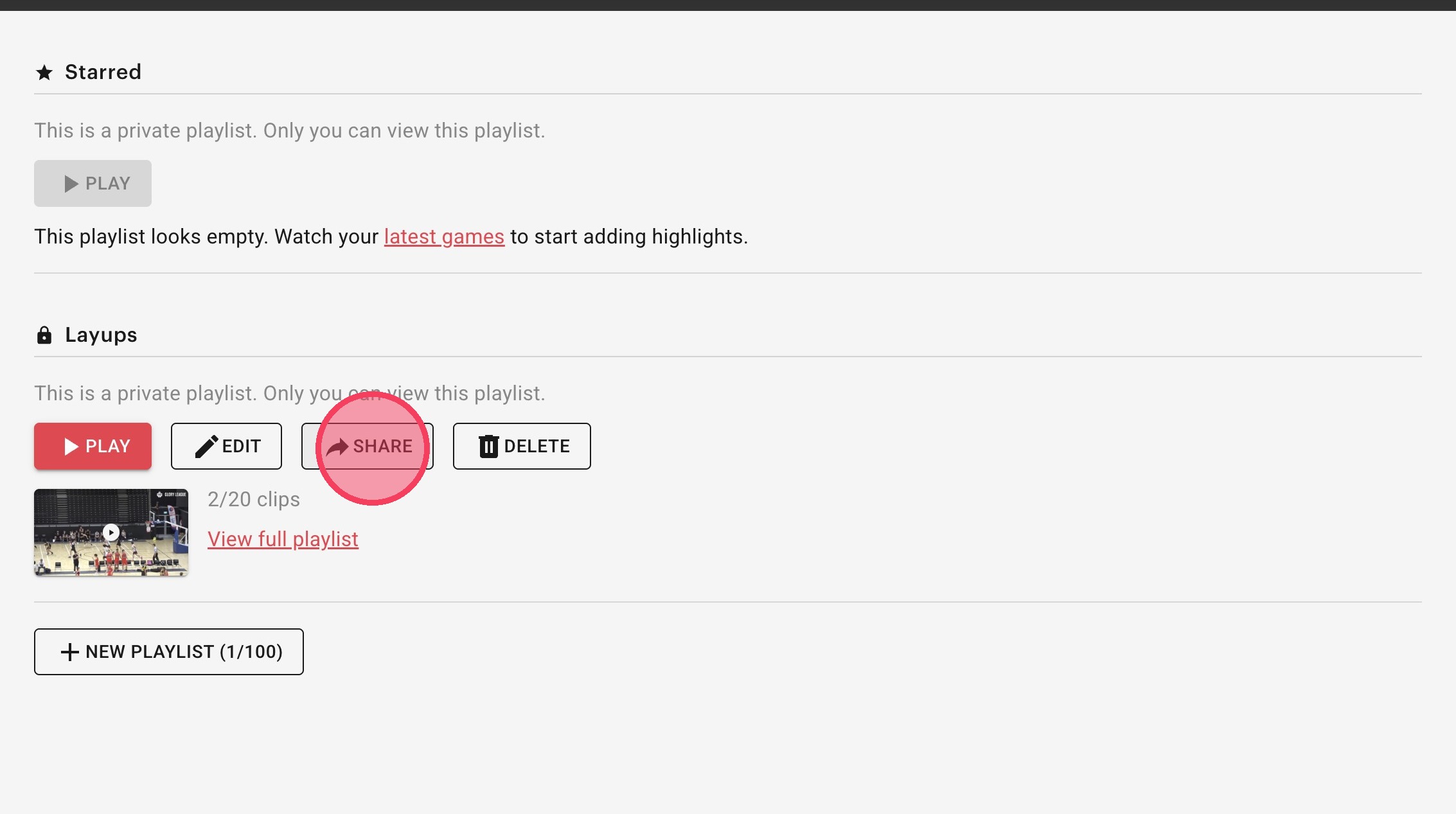
Click "Share" on the playlist you want to share.
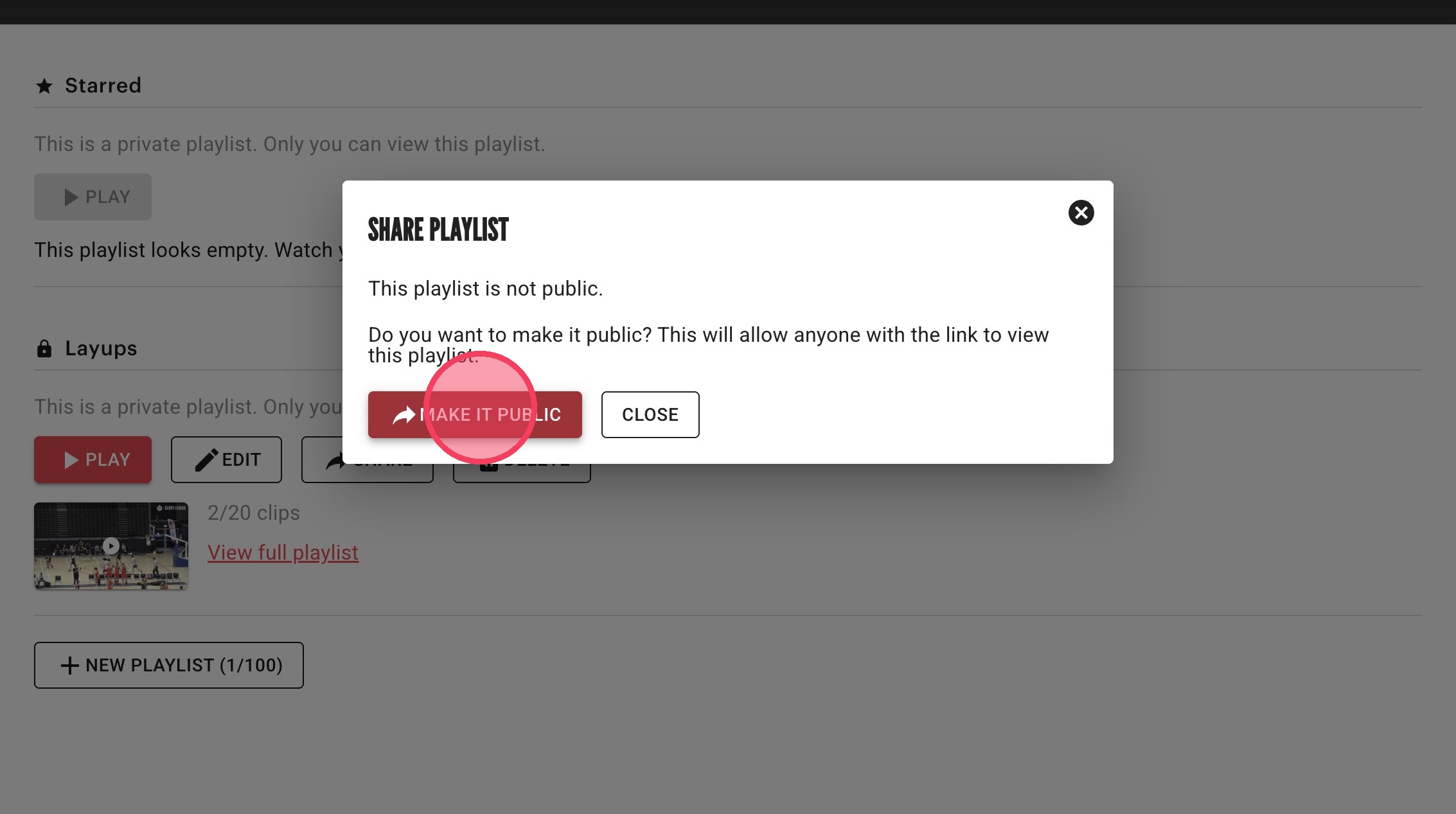
In order to share your playlist you need to make it public. Click "Make it public".
Share Your Playlist
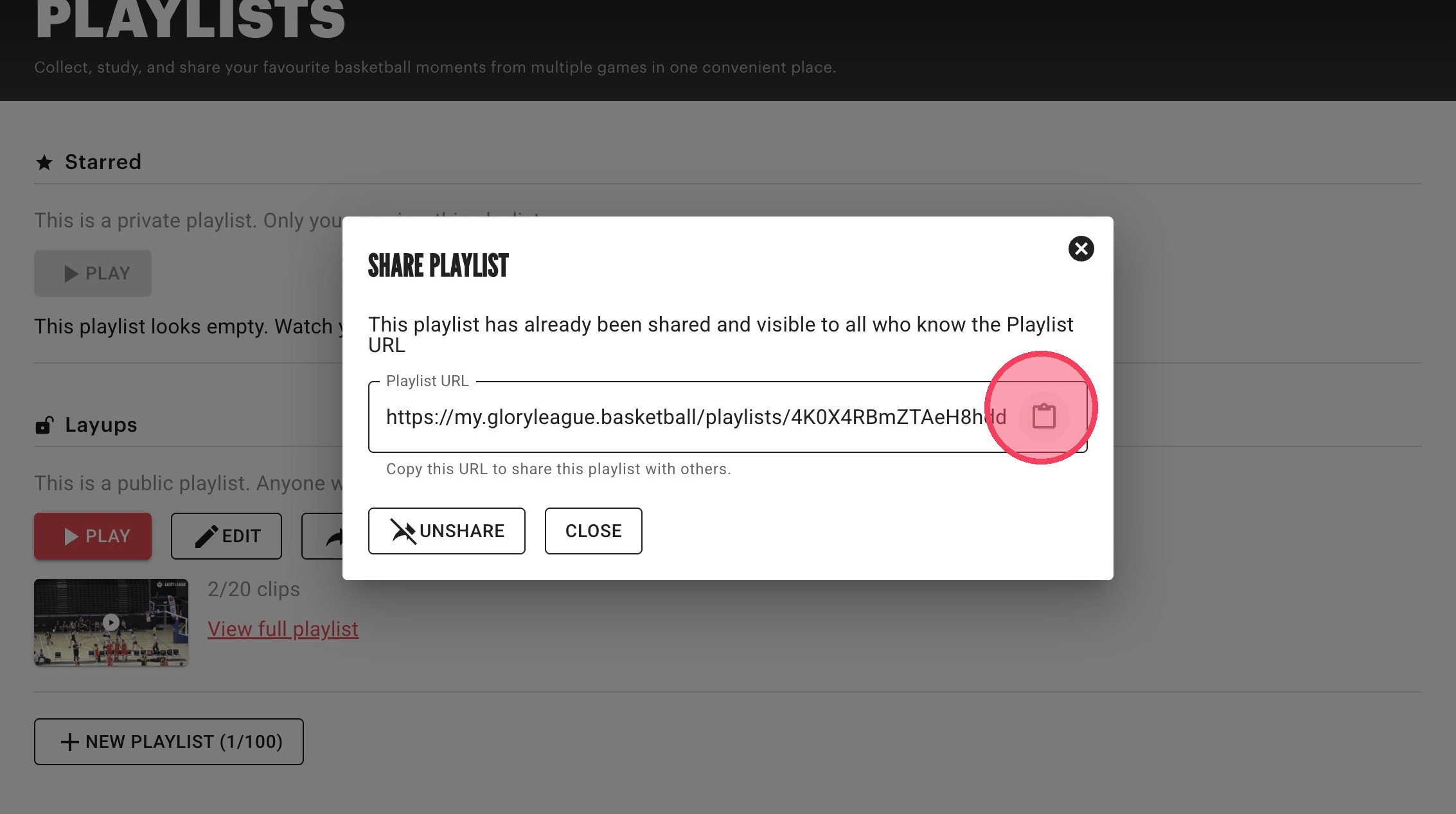
Click the copy icon to copy the Playlist URL to your clipboard. Now anyone you share the playlist URL with will be able to view your playlist.
Make Playlist Private Again
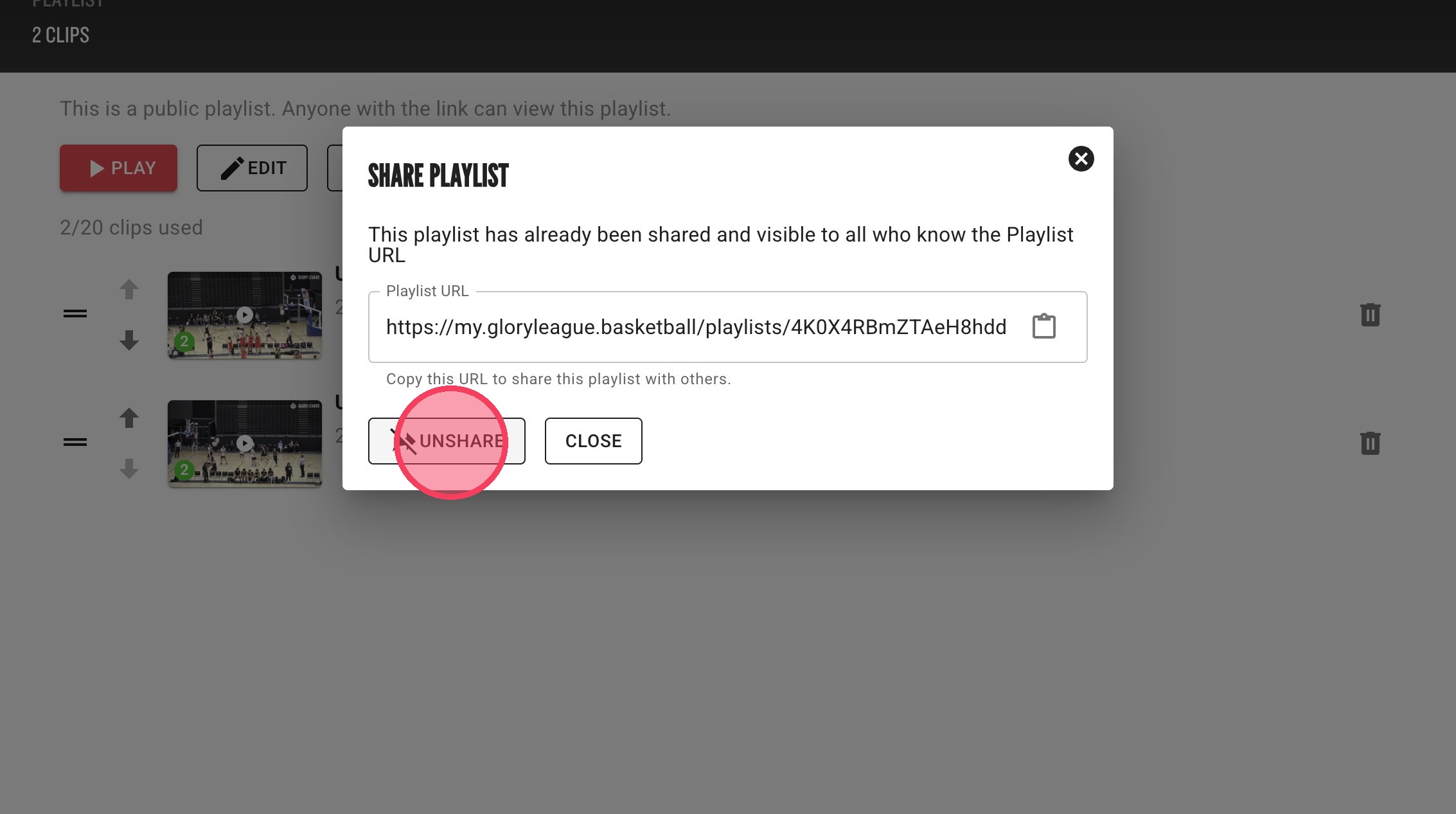
You can "Unshare" your playlist at any point. Just click "Share" from within the playlist detail view.
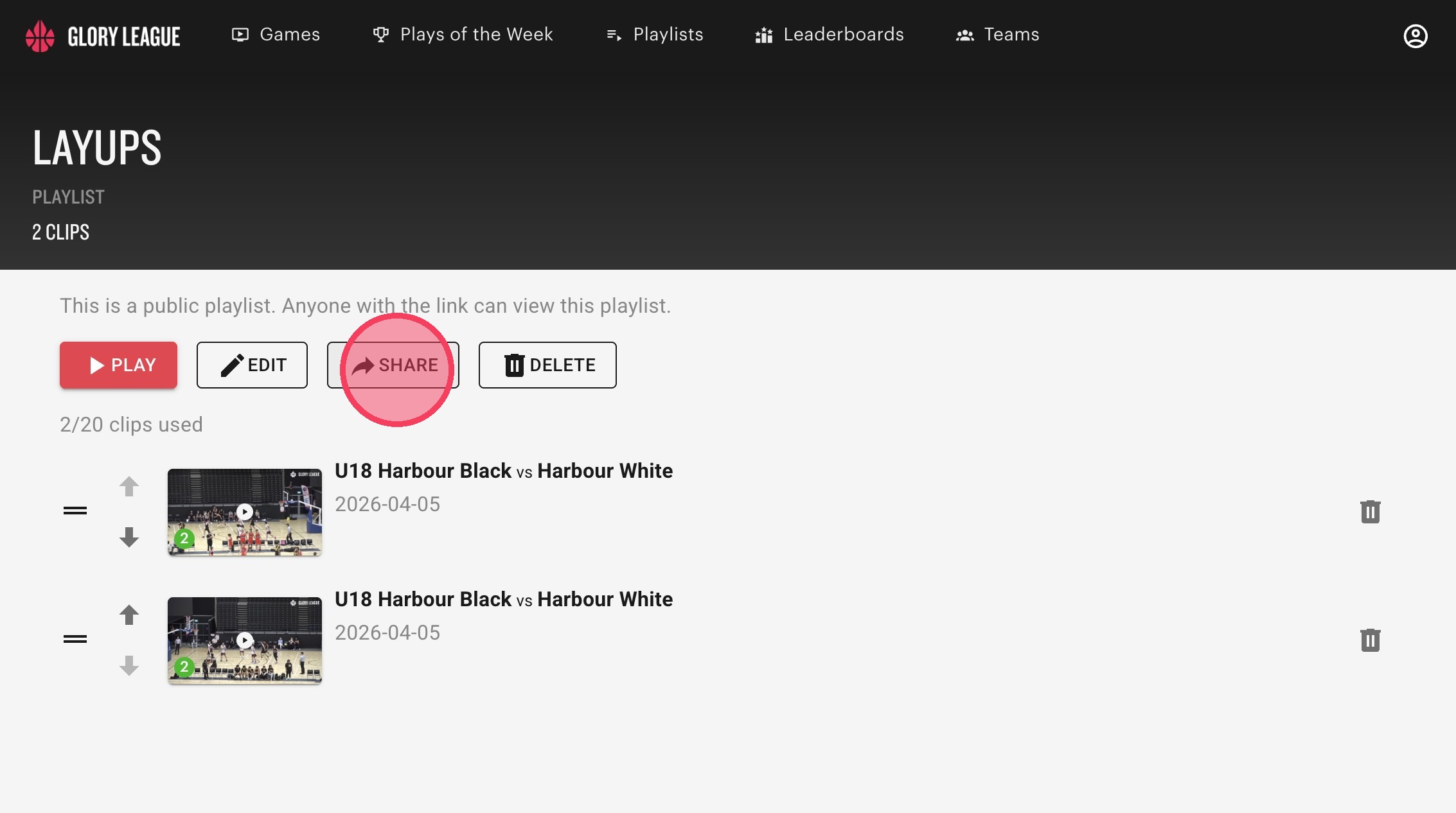
Click "Unshare" and your playlist will be made private again. When your playlist is private, those with the link will not be able to view your playlist.